Image to GIF AI generator
Upload a photo, drawing or product shot and describe how it moves. GPT Image 2.6 draws six frames of your subject and your browser loops them into a GIF. Free to try: new accounts get 100 credits with no card, and you sign in with Google to generate.
Example made with GPT Image 2.6
11 credits
Window cat
The cat slowly blinks, turns its head toward the camera and flicks its tail, snow keeps falling outside
Image to GIF examples
Real outputs with the model and prompt used. Start from any of them.
- GPT Image 2.6
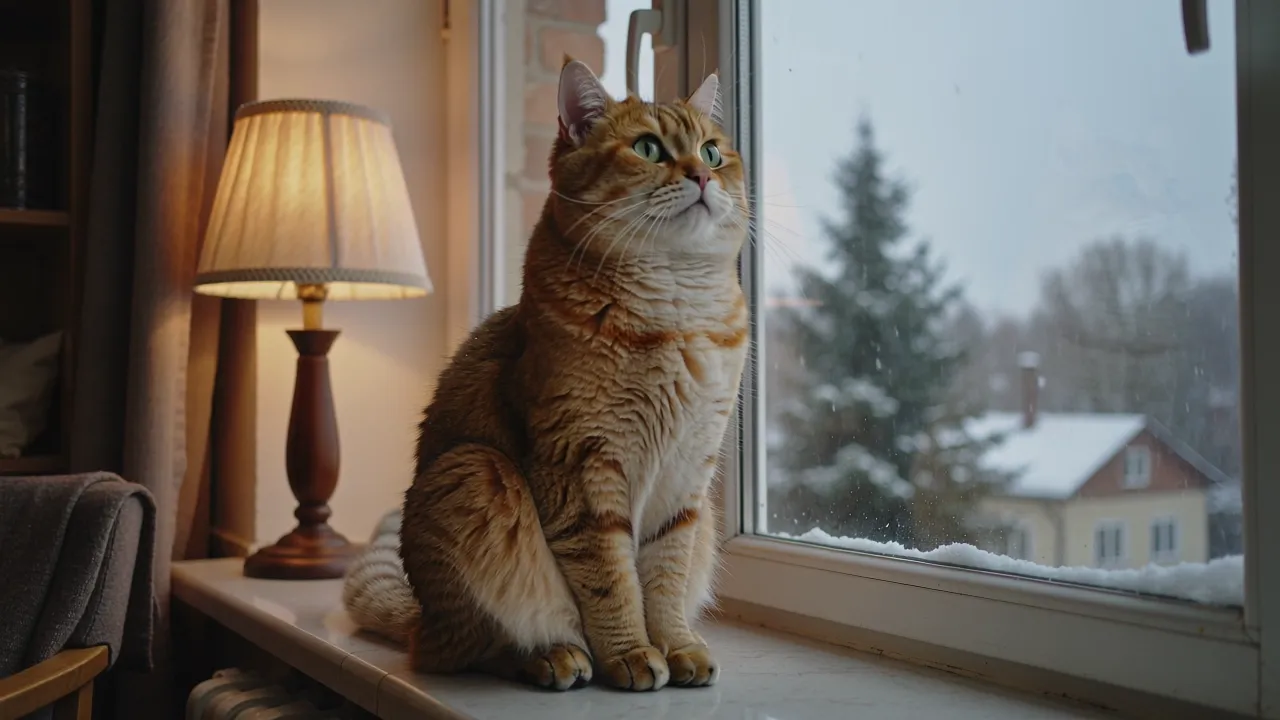
Original Window cat
11 creditsThe cat slowly blinks, turns its head toward the camera and flicks its tail, snow keeps falling outside
 GPT Image 2.6
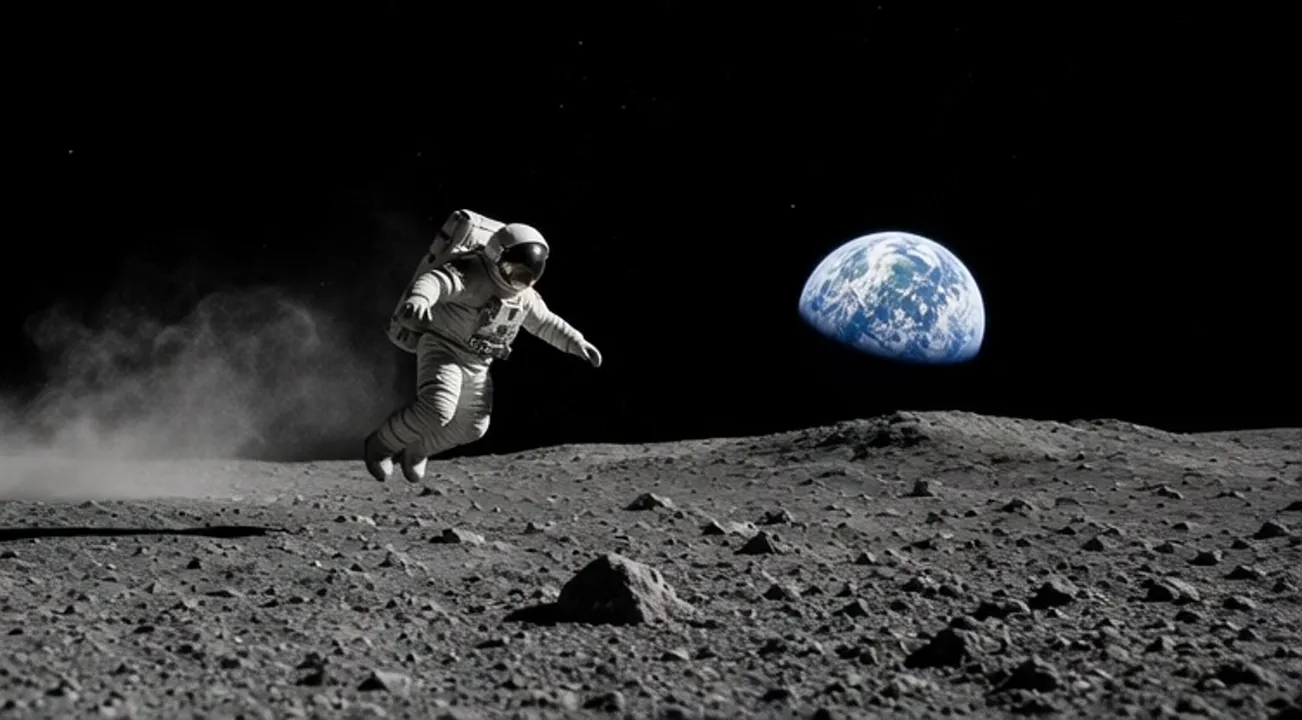
Original Moon bounce
11 creditsThe astronaut bounces across the moon in low gravity, lands, kicks up dust and pushes off again
 GPT Image 2.6
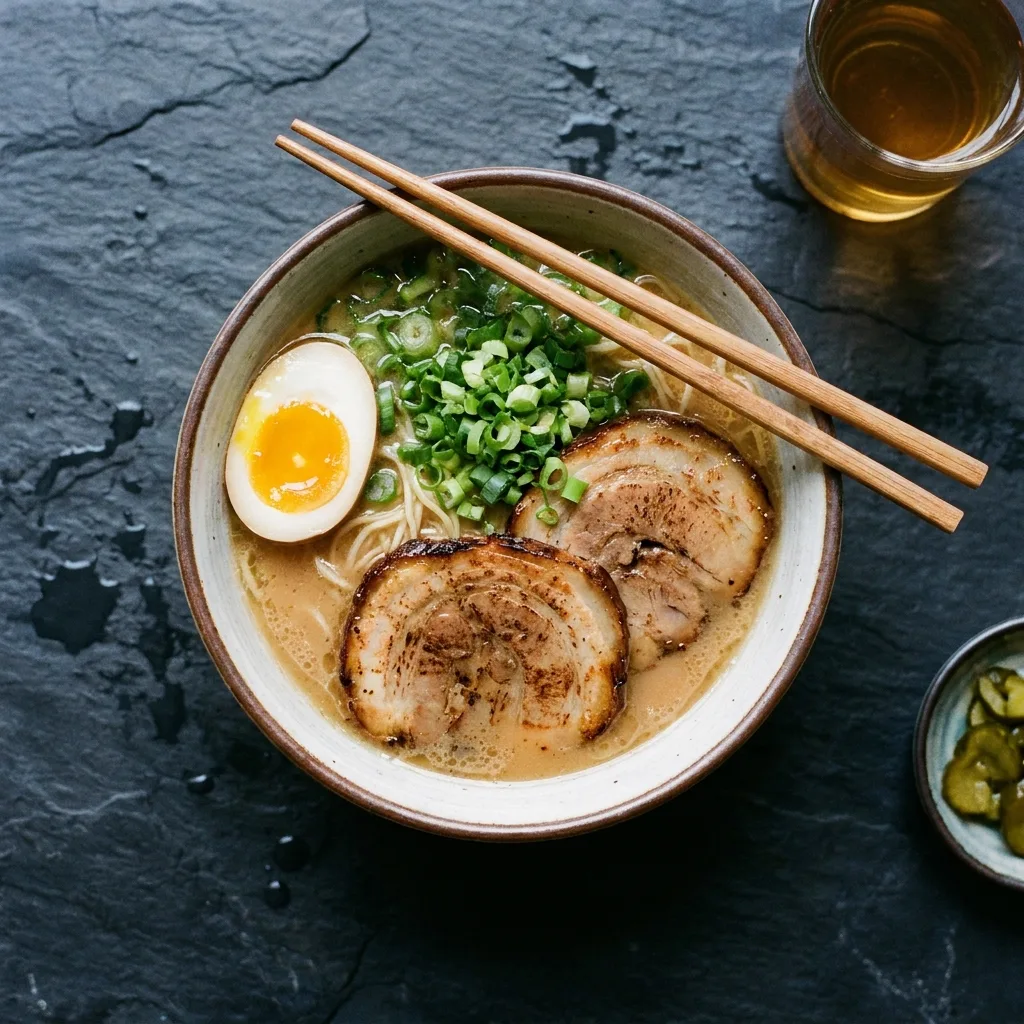
Original Steaming ramen
11 creditsSteam curls up from the ramen while the chopsticks lift a few noodles and lower them back into the bowl
Models for image to gif
2 models can run this tool. Switch between them in the generator without leaving the page.
How it works
- 01
Upload your image
A JPG, PNG or WebP up to 10 MB with one clear subject: a pet, a character, a mascot or a product.
- 02
Describe the motion
One short action that ends where it started, such as a blink, a wave, a bounce or steam rising.
- 03
Set the speed and download
The GIF plays as soon as the frames land. Change the speed for free, then download the GIF or the sprite sheet.
Image to GIF pricing
You pay per result in credits, priced by model and settings. The exact cost shows next to the generate button, and failed jobs are refunded automatically.
See credit packs and plans- Cheapest model
- 8 credits
- Free on sign up
- 100 credits
More AI tools


Image to GIF questions
How does image to GIF work?
GPT Image 2.6 looks at your image and draws six frames of the motion you describe in one 3 by 2 sprite sheet. Your browser cuts the sheet into frames and loops them as a GIF.
Will the GIF look like my image?
The model keeps the subject, colors and style of your upload, but it redraws every frame, so small details can shift. Sunburst keeps the subject steadier across frames.
What images work best?
One clear subject with a simple background: a pet, a cartoon character, a mascot, a product or a dish. Busy group photos and small text tend to drift between frames.
Is this different from image to video?
Yes. Image to GIF makes a short six frame loop at 512 by 512 pixels for stickers, reactions and chat. For a smooth clip with real camera motion, use image to video.
Can I make a GIF from text only?
Yes. Use the AI GIF generator to describe a character and its motion without uploading anything.
Who can see my uploads?
Uploads and results are private to your account and are deleted after 30 days.
Is the image to gif generator free?
Yes, you can start for free. New accounts get 100 credits with no card, and you get 10 more each day you sign in while your balance is under 50. Larger jobs use paid credits.
Do I need to sign up?
You need a free account to generate, and signing in with Google takes one click. You can browse examples and see the credit price without an account.
How much does the image to gif generator cost?
Each generation shows its credit price before you start. One credit is about $0.01, and packs start at $9.90 for 990 credits.
How long does a generation take?
Most images finish in under a minute.
What happens if a generation fails?
You get the credits back. If a job fails, times out or is blocked by moderation, the credits return to your balance automatically.
Can I use the results commercially?
Yes. Files you generate with purchased credits can be used commercially, within each model provider's terms and our content policy.
Are my uploads and results private?
Yes. Uploads and results are private to your account. Results are kept for 30 days and uploads for 7 days, so download what you want to keep.
Can I run several generations at once?
Yes, up to 4 at a time. Each one shows its own progress, and finished results are saved to My creations.
Do I need an API key or another subscription?
No. Every model runs in the browser on one FrameMux credit balance, with no API key and no separate subscription.