Earth zoom out AI video
Upload a photo taken outdoors. The camera pulls back from the scene, over the city and the clouds, until the whole Earth is in view.
- 1 outdoor photo · No prompt
- 5s clip
- From 194 credits
- Runs on Kling 4.0
Example
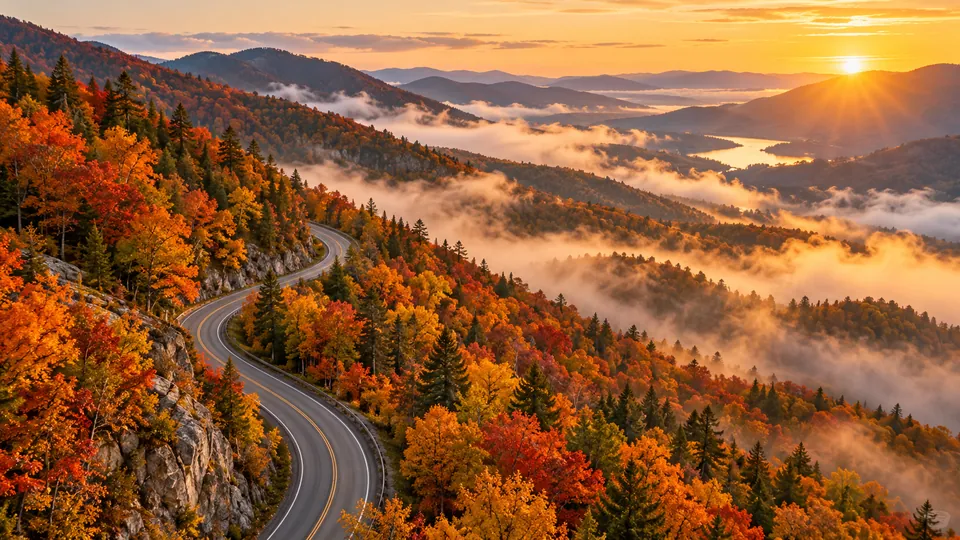
Earth zoom out preview
What the result looks like
Starts on your photo
The first frame is your picture, so the shot feels personal.
One continuous pull back
Streets, city and clouds pass in a single smooth move.
Ends in space
The last frame shows the planet, a natural loop point for reels.
Which photos work best
Works well
- Taken outdoors with sky or streets visible
- Subject in the center
- Landscape or portrait orientation
Avoid
- Indoor rooms
- Close ups with no background
- Screenshots
How it works
- 01
Upload a photo
1 outdoor photo, JPG, PNG or WebP up to 10 MB.
- 02
Confirm and generate
Tick the permission box and check the credit price, then generate.
- 03
Download and share
Most clips are ready in one to three minutes. Download the MP4.
More AI effects



Earth zoom out questions
Will it show my real location?
No. The model invents the surroundings as it zooms out, it does not use maps or location data.
Do I need to write a prompt for the Earth zoom out effect?
No. The prompt is built in. Upload a photo, confirm you have permission to use it, and generate.
Who can see my photo and video?
Only you. Uploads and results are private to your account and are deleted after 30 days, so download what you want to keep.
What if the result looks wrong?
Try a sharper, front facing photo with even light. If a job fails, the credits return to your balance automatically.
48 free credits on sign up, no card needed.
Upload a photo and start