Text
- Resolution
- 1K · 2K · 4K
- Aspect ratio
- auto · 1:1 · 3:2 · 2:3 · 4:3 · 3:4 · 5:4 · 4:5 · 16:9 · 9:16 · 2:1 · 1:2 · 3:1 · 1:3 · 21:9 · 9:21
- Quality
- low · medium · high · xhigh · max
Precise edits and detailed visual work. Make images up to 4K in your browser, and see the credit price before you generate.
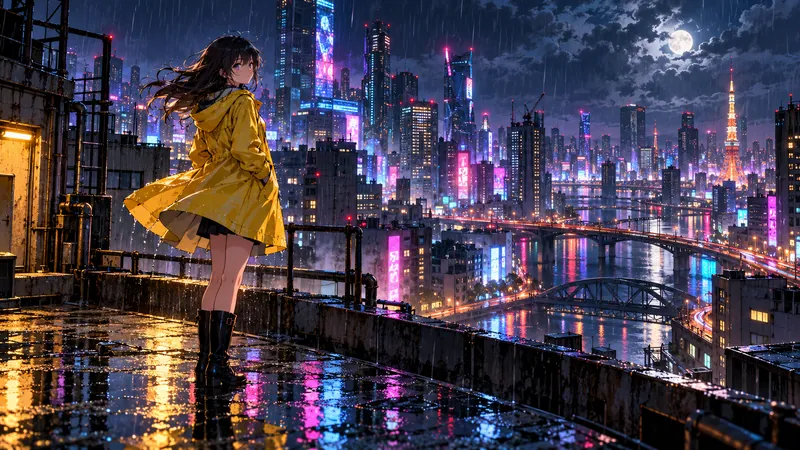
What this model can do here, taken from its live settings. Try any of them in the generator above.
Describe the subject, setting and style in plain words. GPT Image 2.5 Sunburst follows detailed briefs, so name what matters most first.
Upload a photo and say what to change. GPT Image 2.5 Sunburst keeps the rest of the picture as it is.
Output from 1K to 4K. Aspect ratios 1:1, 3:2, 2:3, 4:3, 3:4, 5:4, 4:5, 16:9, 9:16, 2:1, 1:2, 3:1, 1:3, 21:9, 9:21.
Start from text to image, image to image. Upload files where the input needs them.
Write what you want to see, then choose resolution, aspect ratio. The credit price updates as you go.
Most results land in under a minute. Download the file, or tweak the prompt and run it again.
Higher resolution and quality cost more. The generator shows the exact price for your settings before anything is charged.
Live specs and starting prices. Click a model to open its page.
| Spec | GPT Image 2.5 Sunburst | Nano Banana Pro | Seedream 5.0 Pro | Grok Imagine Image 2.0 |
|---|---|---|---|---|
| Maker | OpenAI | ByteDance | xAI | |
| Starting price | 3 credits | 6 credits | 9 credits | 5 credits |
| Inputs | Text · Image edit | Text · Image edit | Text · Image edit | Text · Image edit |
| Max input files | 16 | 14 | 10 | 3 |
| Resolution | 1K · 2K · 4K | 1K · 2K · 4K | 1K · 2K | 1K · 2K |
| Quality | low · medium · high · xhigh · max | — | — | low · medium |
| Aspect ratio | auto · 1:1 · 3:2 · 2:3 · 4:3 · 3:4 · 5:4 · 4:5 · 16:9 · 9:16 · 2:1 · 1:2 · 3:1 · 1:3 · 21:9 · 9:21 | auto · 1:1 · 2:3 · 3:2 · 3:4 · 4:3 · 4:5 · 5:4 · 9:16 · 16:9 · 21:9 | 1:1 · 4:3 · 3:4 · 16:9 · 9:16 · 2:3 · 3:2 · 21:9 | 1:1 · 16:9 · 9:16 · 4:3 · 3:4 · 3:2 · 2:3 · auto |
Up to 16 files
OpenAI generate and edit, up to 4K
From 3 credits
Sharp text rendering and precise edits
From 3 credits
Low cost OpenAI image generation
Pricing updates hourly
Wide aspect ratios, 14 references, 4K
From 4 credits
Fast generation and editing up to 4K
From 4 credits
The lowest cost Google image model
From 3 credits
GPT Image 2.5 Sunburst is OpenAI's AI image model: precise edits and detailed visual work. On FrameMux you run it in the browser with credits, next to every other model.
Yes. New accounts get 48 free credits with no card. GPT Image 2.5 Sunburst starts at 3 credits per image, so that covers 16 images at the lowest settings.
From 3 credits per image at the lowest settings, about $0.03. Higher resolution and quality cost more, and the exact price shows before you generate. Credit packs start at $9.90 for 990 credits.
Text, Image edit. You can upload up to 16 files per job. JPG, PNG and WebP images up to 10 MB each. The panel only shows the options this model accepts.
Resolution: 1K, 2K, 4K. Aspect ratio: 1:1, 3:2, 2:3, 4:3, 3:4, 5:4, 4:5, 16:9, 9:16, 2:1, 1:2, 3:1, 1:3, 21:9, 9:21. Longer and sharper outputs cost more credits.
Use reference mode and upload up to 16 clear images of the same subject from different angles. Describe the subject the same way in every prompt.
No. You use GPT Image 2.5 Sunburst in the browser with FrameMux credits. There is no API key to set up and no separate subscription.
Paid credit packs and plans include commercial use, within OpenAI's terms for GPT Image 2.5 Sunburst.
Only photos you have permission to use. Content of real people without consent and adult content are blocked, and blocked prompts never use credits.
Yes. Uploads and results are private to your account and are deleted after 30 days, so download what you want to keep.
The credits return to your balance automatically, and the error tells you what to change.
GPT Image 2.5 Sunburst starts at 3 credits per image and Nano Banana Pro at 6. The table above lists inputs, length and resolution side by side. The quickest way to choose is to run the same prompt on both.
48 free credits, price shown first, credits back if a job fails.
Create with GPT Image 2.5 Sunburst