First and last frame to video
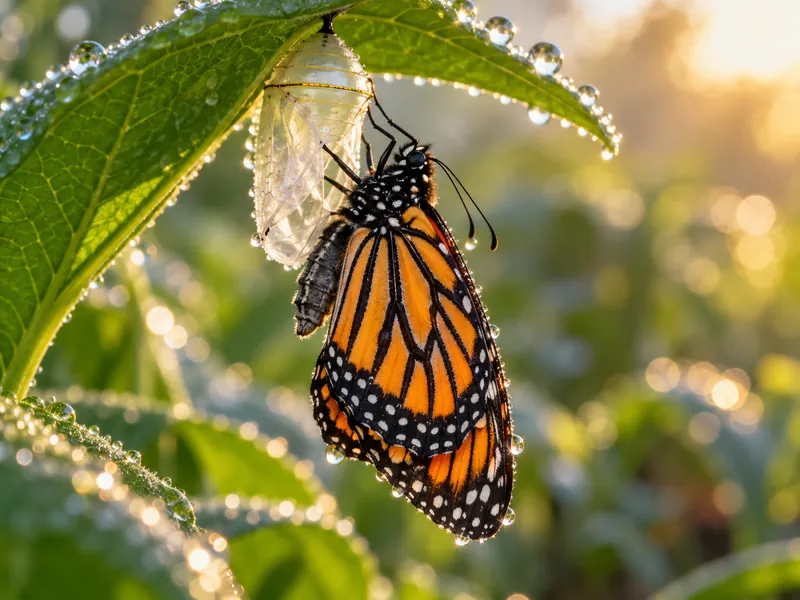
Set where the shot starts and where it ends. The model fills the motion in between, so transitions land exactly where you planned.
Example
How it works
- 01
Upload two frames
The start frame and the end frame should share the same aspect ratio.
- 02
Describe the move
Explain how the scene gets from one frame to the other.
- 03
Generate and download
Check the credits, generate, then download the MP4.
More AI tools


Frames to video questions
Which models support first and last frame?
The model list in the panel only shows models that accept both frames, such as Kling 4.0.
Do both frames need the same size?
They should share an aspect ratio. Mismatched frames get cropped and the transition looks less smooth.
How long can the transition be?
Usually 5 to 10 seconds, depending on the model. The duration options follow the selected model.