Image to video AI generator
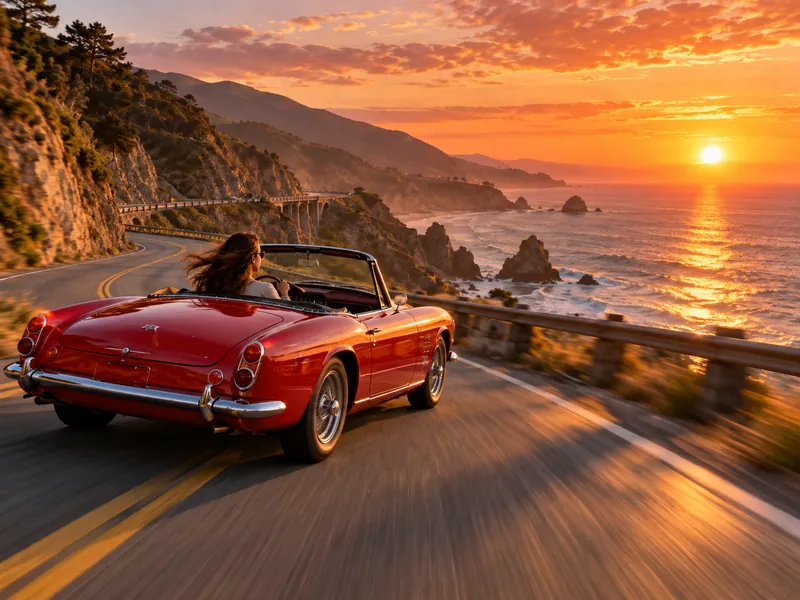
Upload a photo and describe the motion. Kling, Seedance, Veo and MiniMax keep your subject and animate the scene.
Example
How it works
- 01
Upload your image
A JPG, PNG or WebP up to 10 MB. It becomes the first frame of the clip.
- 02
Describe the motion
Say what moves and how the camera follows. Short, concrete prompts work best.
- 03
Generate and download
Pick a model and length, check the credits, then download the MP4.
More AI tools
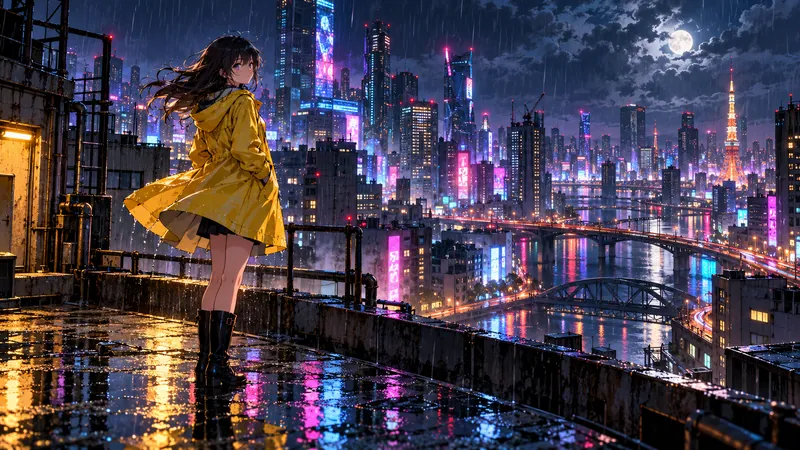
Image to video questions
Which image formats work?
JPG, PNG and WebP up to 10 MB. Higher resolution photos keep more detail in the clip.
Will the video keep my subject the same?
The image is used as the first frame, so faces, products and layout carry into the clip. Large movements can still drift, so describe gentle motion for close ups.
Can I set the last frame too?
Yes. Use frames to video to upload both a start and an end image.
Who can see my uploads?
Uploads and results are private to your account and are deleted after 30 days.