AI zombie video generator
Upload one portrait and watch the skin turn grey, the eyes go pale and the face twist into a snarl. Background and clothes stay the same.
- 1 portrait · No prompt
- 5s clip
- From 194 credits
- Runs on Kling 4.0
Example
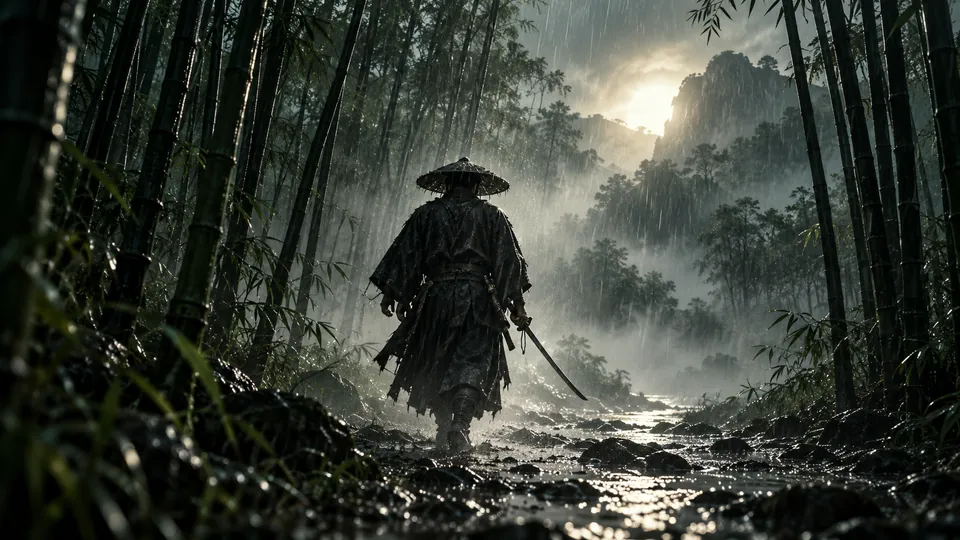
AI Zombie preview
What the result looks like
Gradual change
The clip opens on your photo, then the transformation spreads across the face.
Clouded eyes
The eyes turn pale and empty while the head and shoulders hold still.
Ends on a snarl
A slow push in finishes on the zombie face, ready to post.
Which photos work best
Works well
- Head and shoulders, face fills about a quarter of the frame
- Even light, eyes open and visible
Avoid
- Group photos
- Sunglasses or covered faces
- Strong side angles
- Heavy filters or blur
How it works
- 01
Upload a photo
1 portrait, JPG, PNG or WebP up to 10 MB.
- 02
Confirm and generate
Tick the permission box and check the credit price, then generate.
- 03
Download and share
Most clips are ready in one to three minutes. Download the MP4.
More AI effects

AI Zombie questions
Is the AI zombie effect free?
New accounts get 48 free credits with no card, which is enough to try the effect. The exact price shows before you generate.
Do I need to write a prompt for the AI zombie effect?
No. The prompt is built in. Upload a photo, confirm you have permission to use it, and generate.
Who can see my photo and video?
Only you. Uploads and results are private to your account and are deleted after 30 days, so download what you want to keep.
What if the result looks wrong?
Try a sharper, front facing photo with even light. If a job fails, the credits return to your balance automatically.
48 free credits on sign up, no card needed.
Upload a photo and start