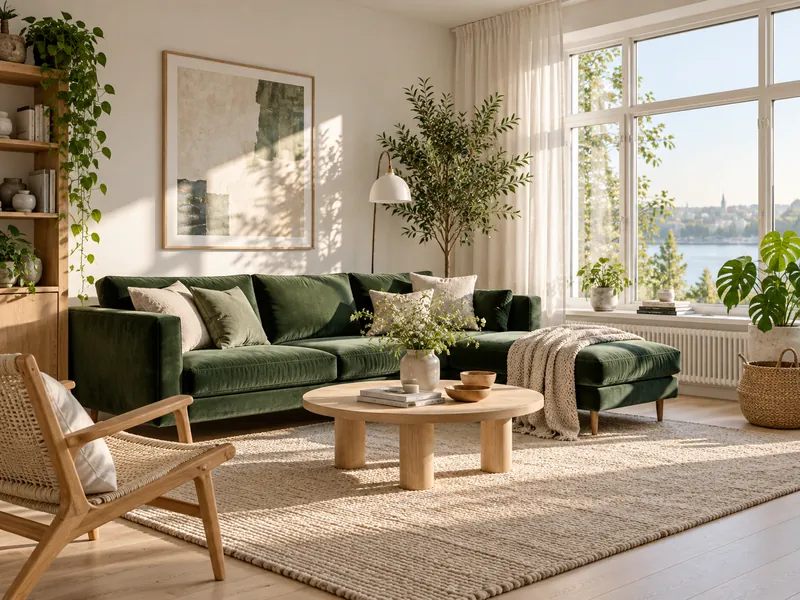
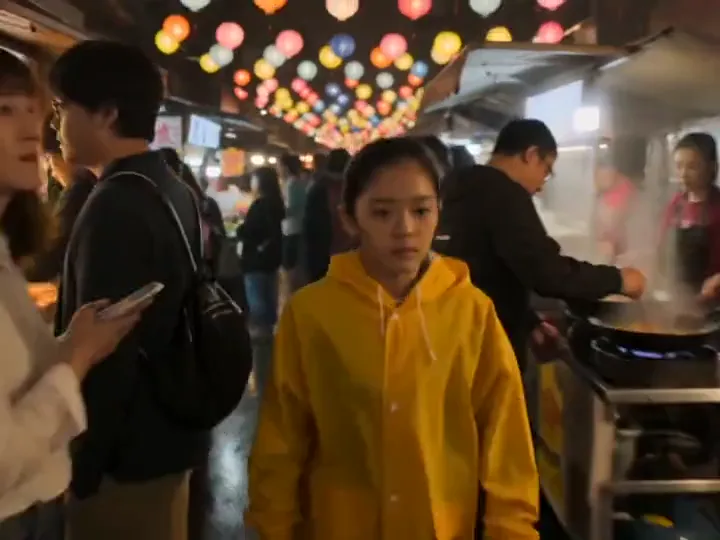
Editorial illustration
Explain one idea with a clear subject and negative space for a separate headline. Avoid asking one image to communicate every detail of an article.
Write a prompt and get posters, product shots and key art from GPT Image, Nano Banana Pro, Seedream and more. Free to try: new accounts get 100 credits with no card.
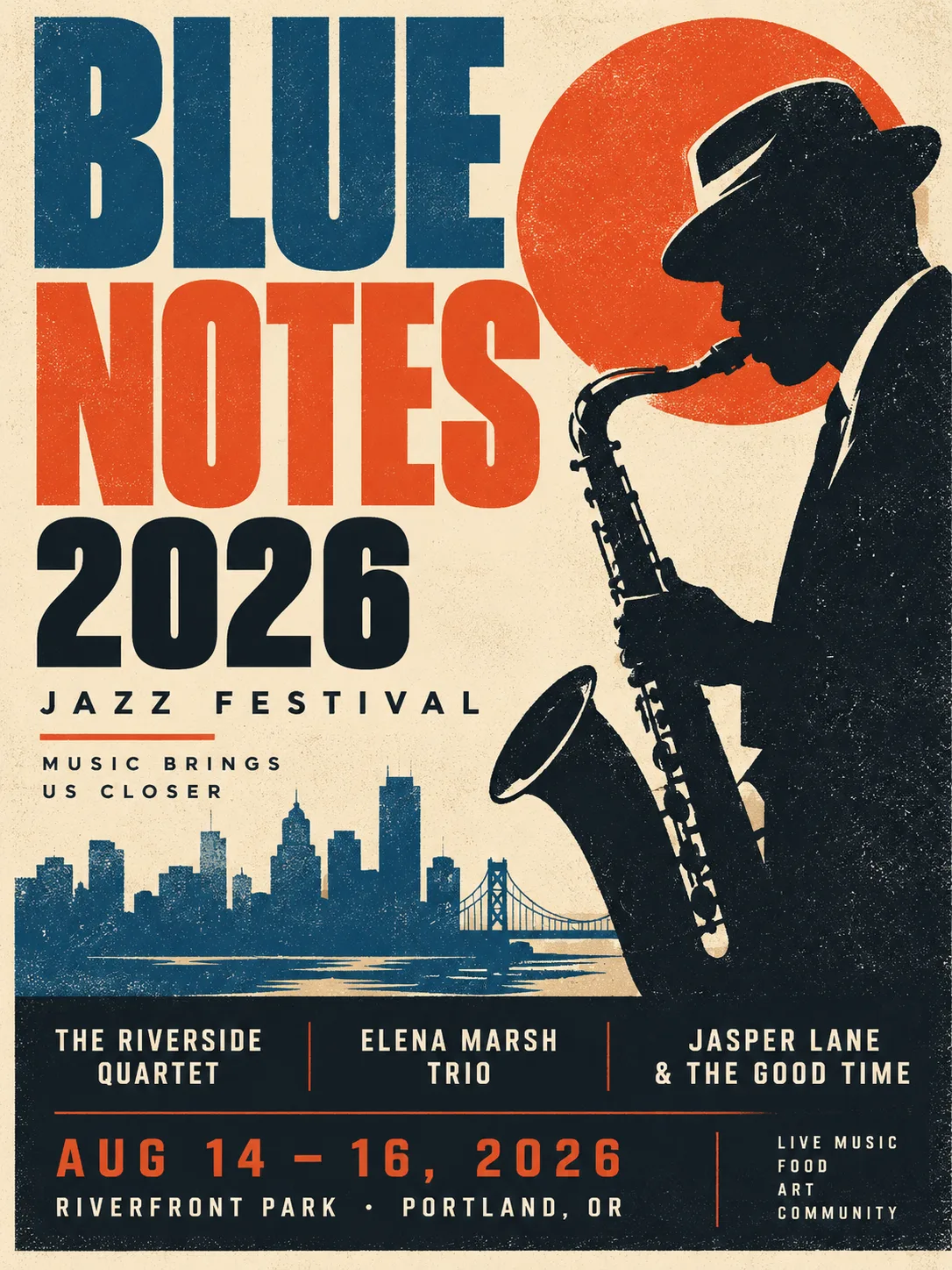
Jazz poster
See the full prompt, model settings and reference details in the examples section below, or load this brief into the generator.
Real outputs with the model and prompt used. Start from any of them.
GPT Image 2A vintage jazz festival poster with the title 'Blue Notes 2026', a saxophone silhouette, bold mid century typography, risograph texture
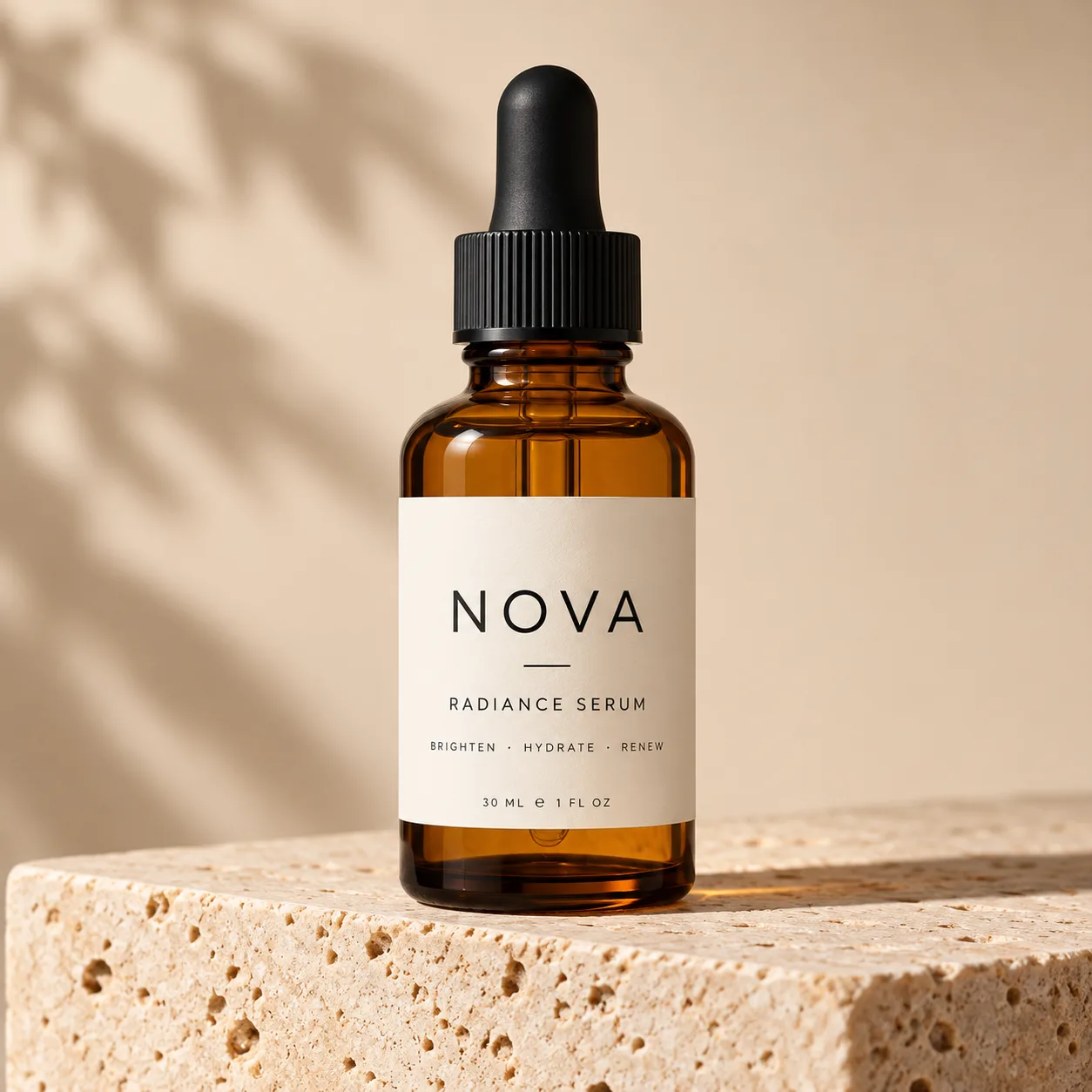 GPT Image 2
Studio product photo of an amber glass serum bottle on a travertine block, soft shadow, beige background, label reads 'NOVA'
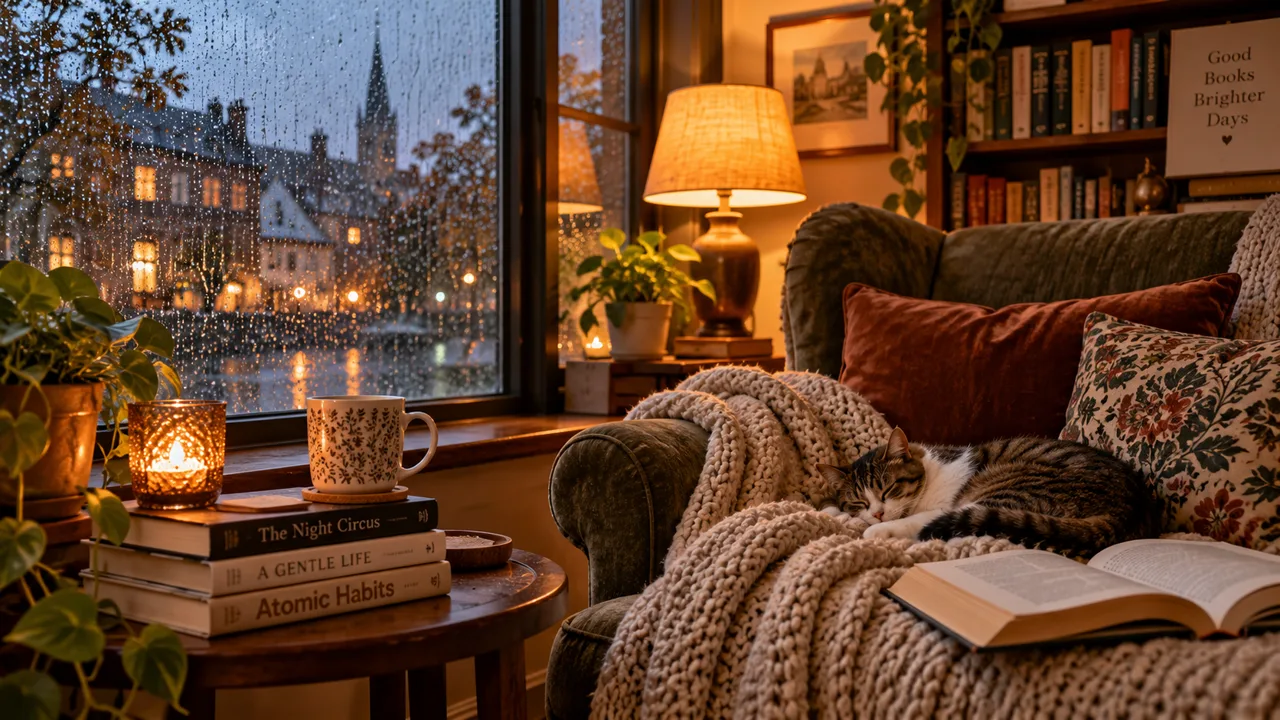 GPT Image 2
A cozy reading nook by a rainy window, stacked books, a knitted blanket, warm lamp light, photorealistic interior
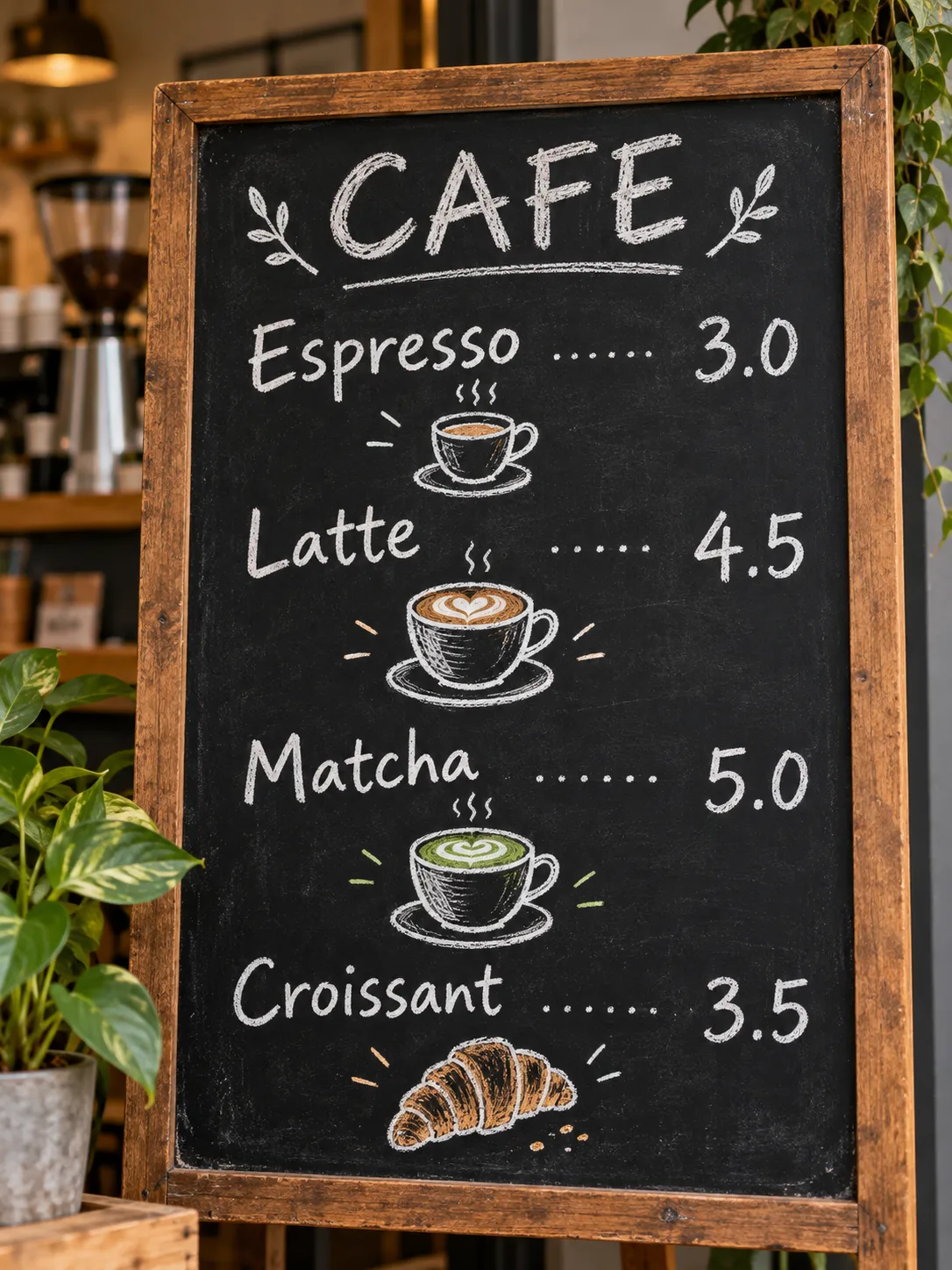 GPT Image 2.5
A chalkboard cafe menu with clear hand lettering: Espresso 3.0, Latte 4.5, Matcha 5.0, Croissant 3.5, small doodles of cups
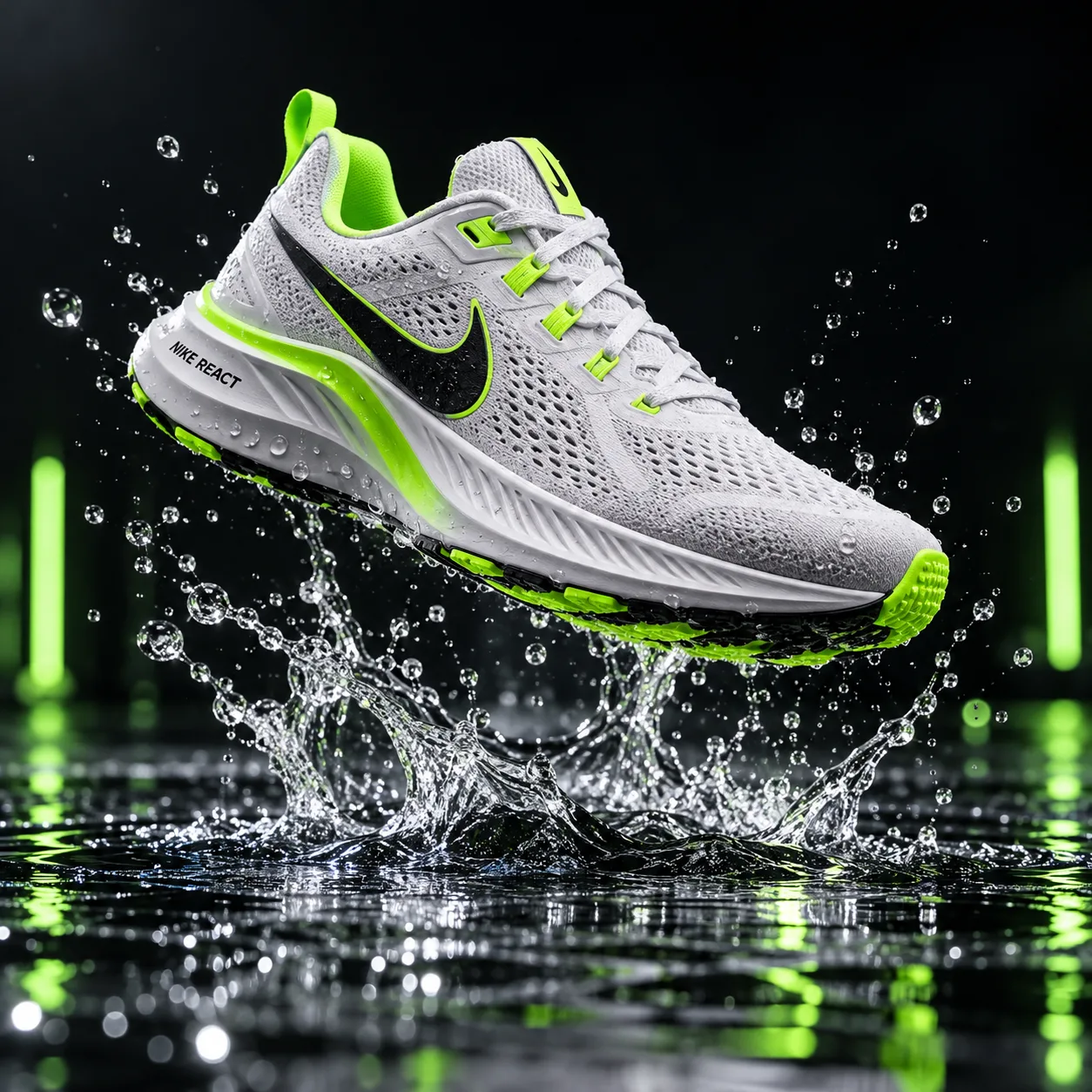 GPT Image 2.5
A white running sneaker floating above a puddle, splash frozen in time, neon green accents, dark studio background, product ad
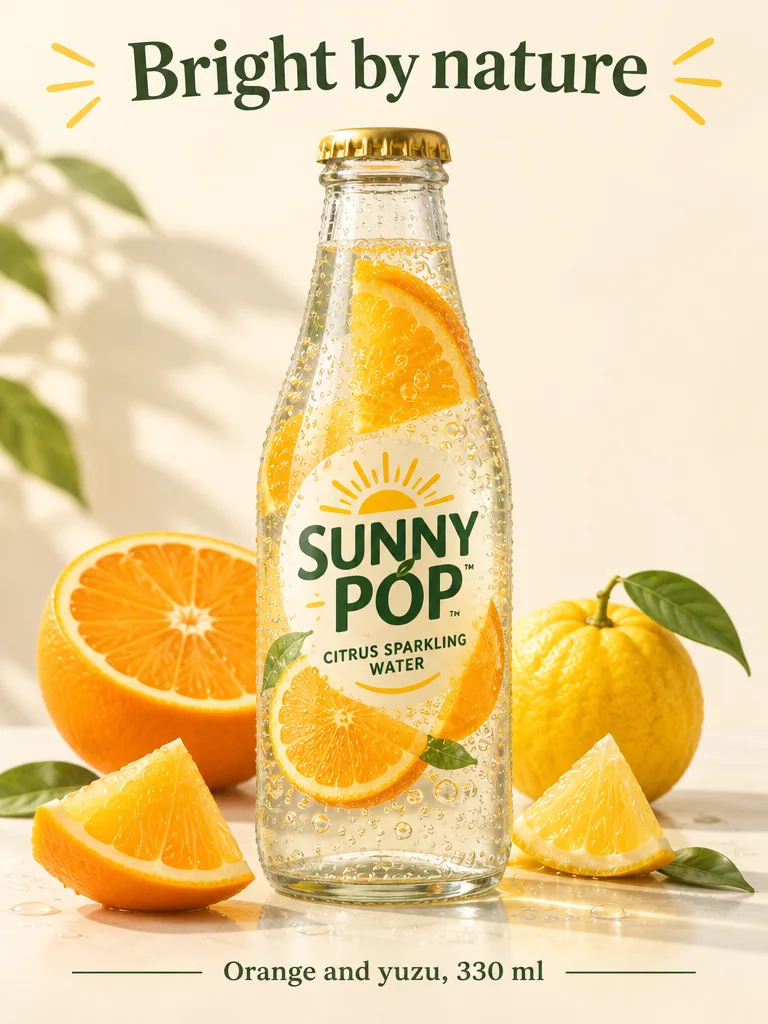 GPT Image 2.6
A product poster for a citrus sparkling water called "SUNNY POP": a clear glass bottle with fresh orange slices, cream background, soft natural light. Headline "Bright by nature" at the top, small line "Orange and yuzu, 330 ml" at the bottom, clean modern layout
· quality: medium
 GPT Image 2.6
An animation sprite sheet for a seamless looping GIF: a round, cute orange cat mascot in a tiny barista apron pours latte art, lifts the cup, then winks. Exactly 6 sequential frames in a 3 column by 2 row grid, read left to right, every panel the same size. Fixed camera, same character and cafe counter in every frame, soft 3D toy style, warm pastel light. No text, no borders, no gutters
· quality: medium
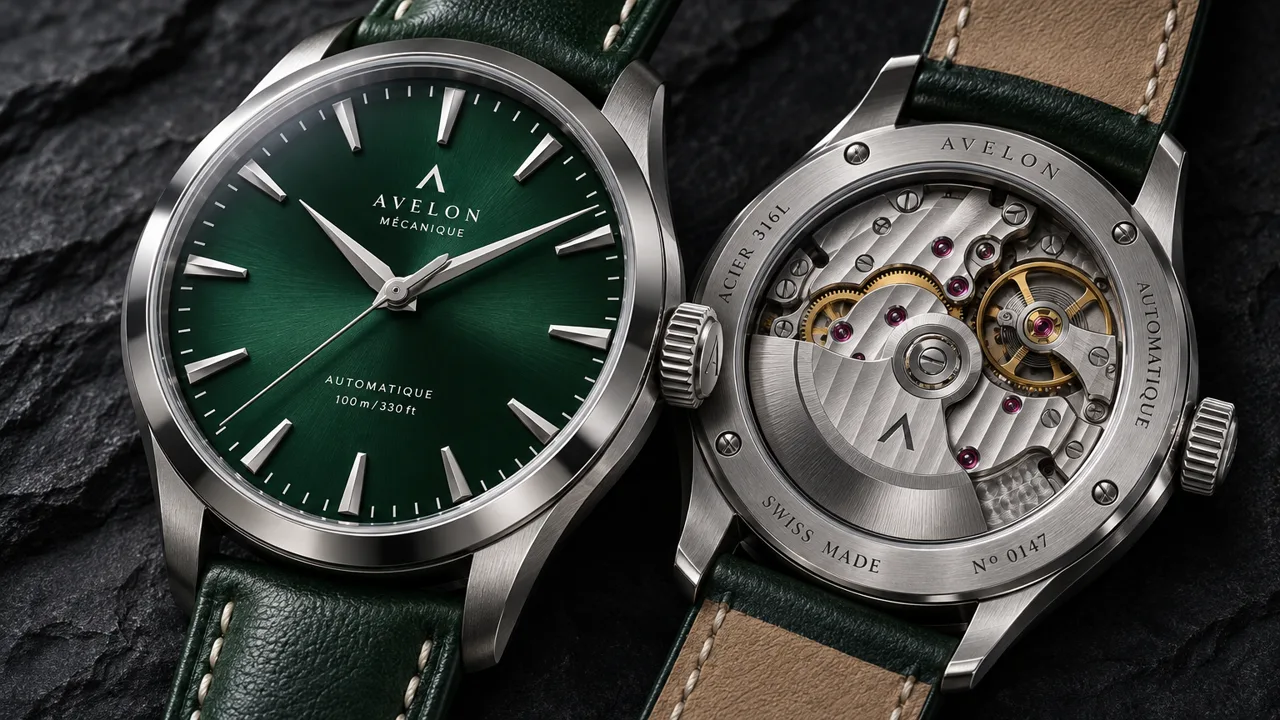 GPT Image 2.6 Sunburst
A macro product shot of a mechanical wristwatch with an open caseback, visible gears, jewels and balance wheel, brushed steel case and a deep green dial, on dark slate with a single soft key light, crisp reflections, high end catalog photo
· quality: high
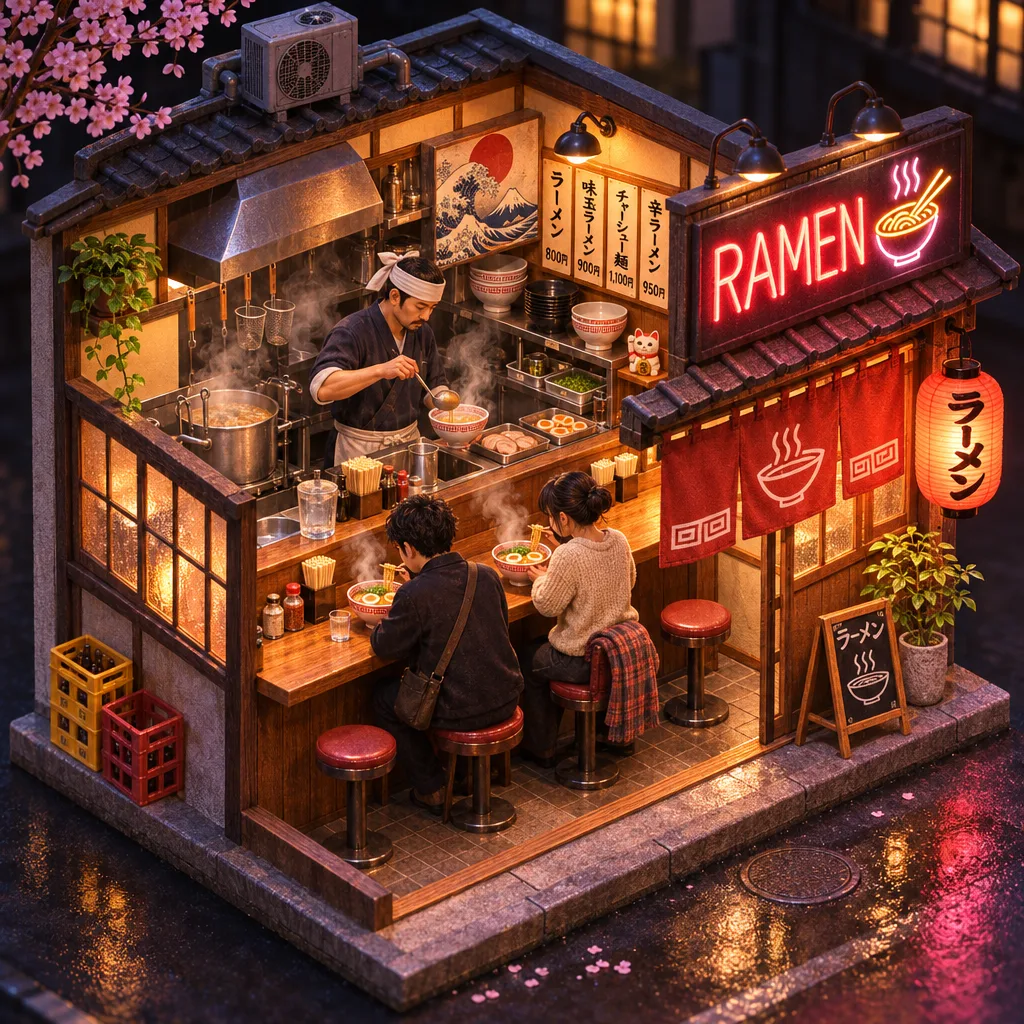 GPT Image 2.6 Sunburst
A detailed isometric cutaway of a tiny ramen shop at night, a chef behind the counter, steam rising from bowls, two customers on stools, a neon sign reading "RAMEN", warm interior light, miniature diorama style
· quality: high
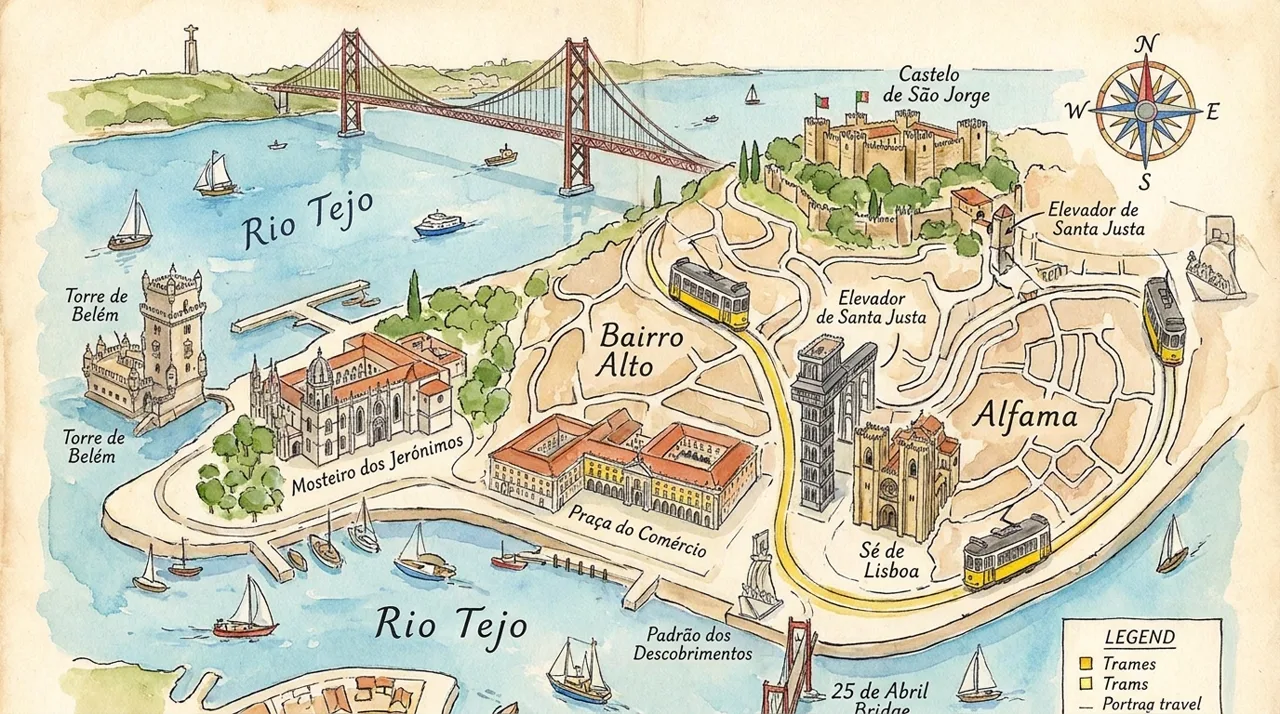 Nano Banana Pro
A detailed illustrated tourist map of Lisbon with labeled landmarks, trams, and the river, watercolor style, readable labels
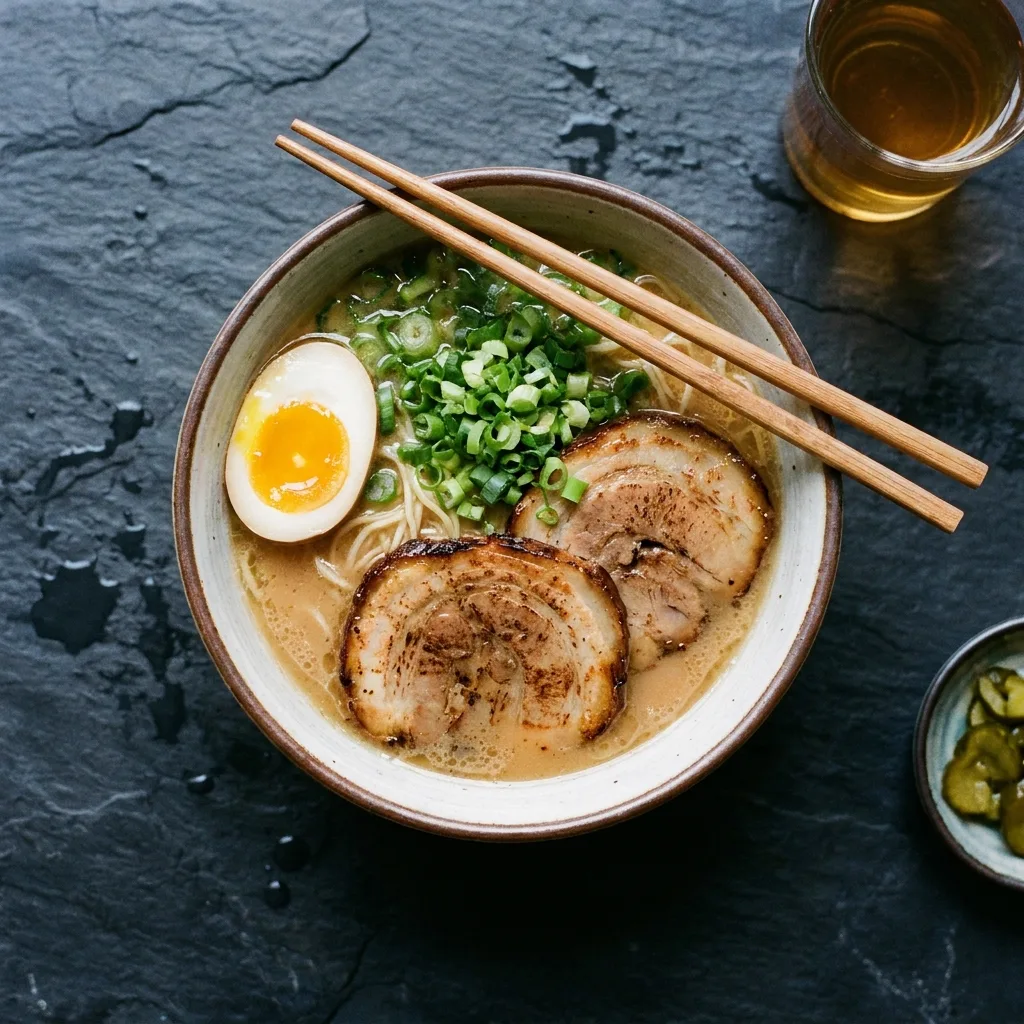 Nano Banana Pro
Overhead photo of a steaming bowl of ramen with a soft egg, chashu and scallions, dark slate table, chopsticks resting on the bowl
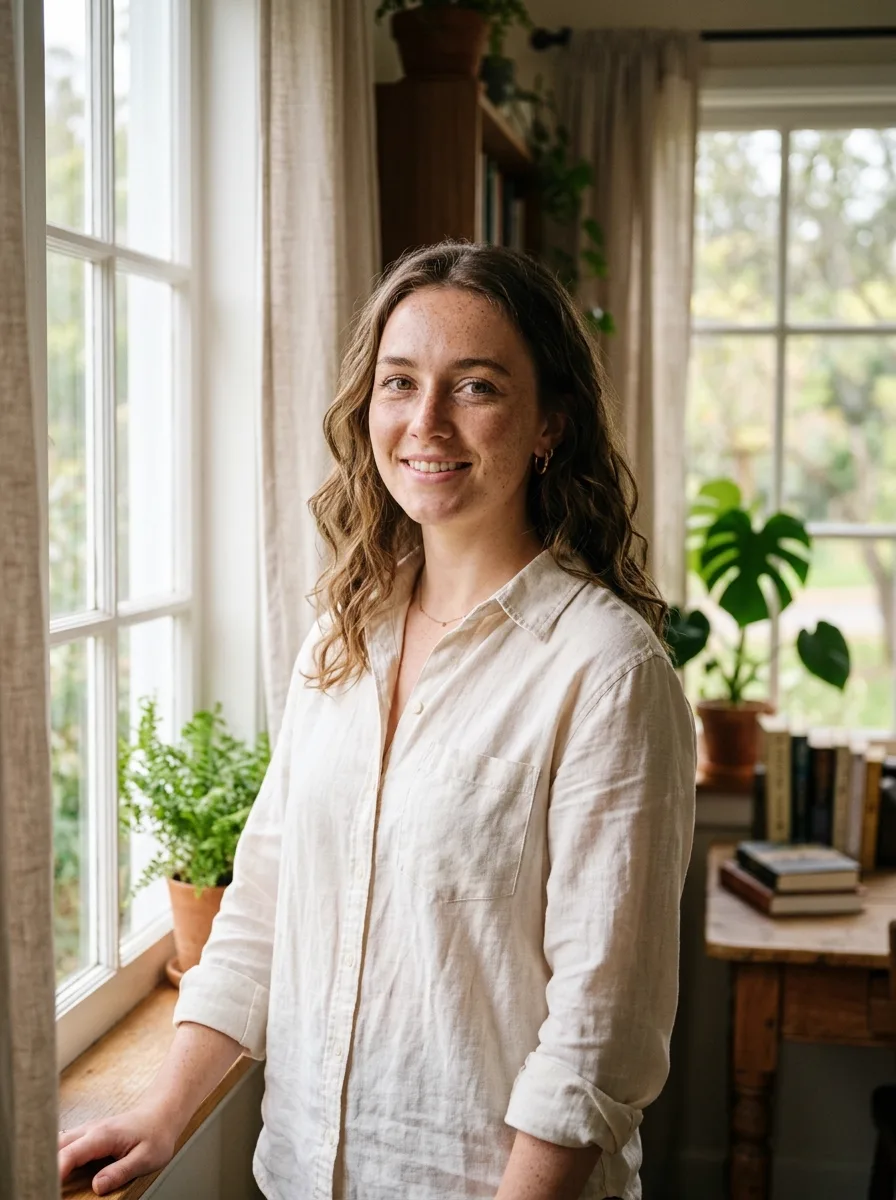 Nano Banana 2
Portrait of a young woman by a window with soft side light, freckles, natural makeup, linen shirt, shallow depth of field
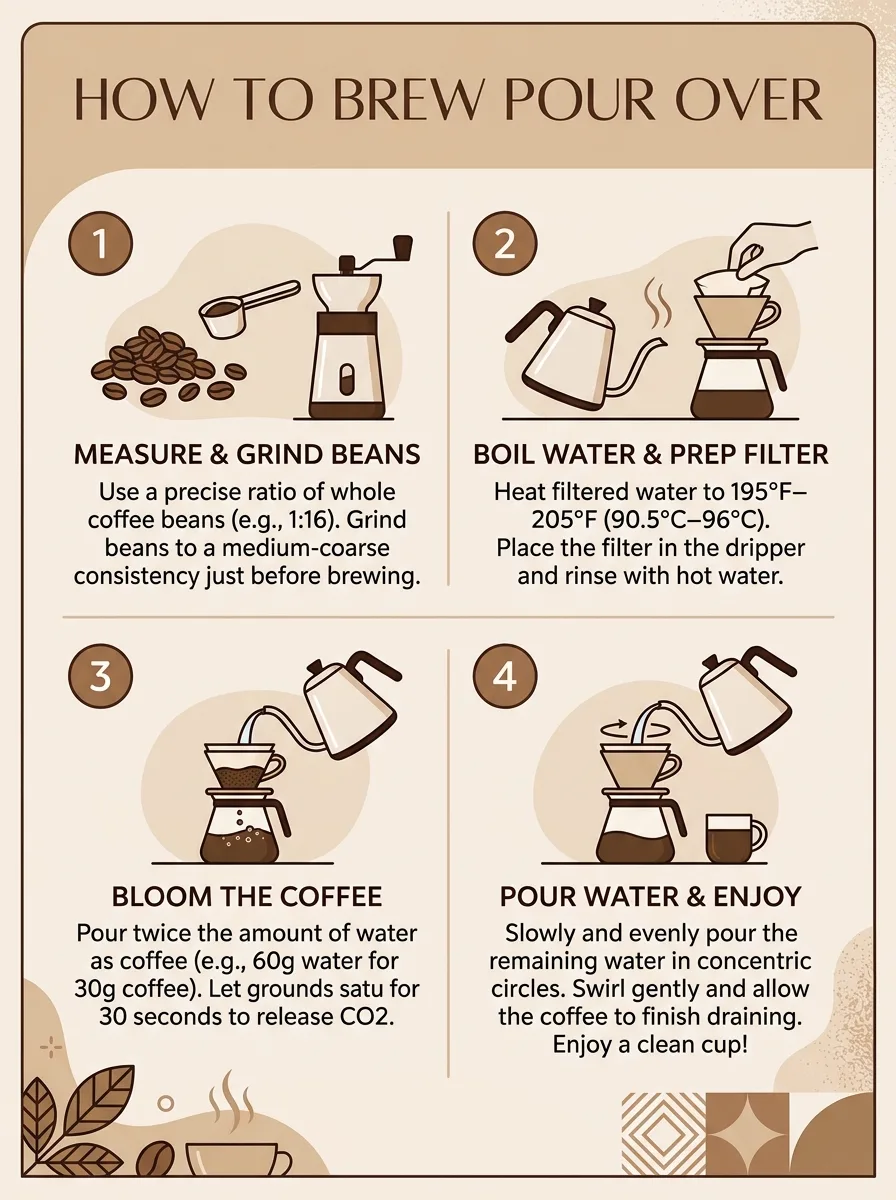 Nano Banana 2
A clean infographic titled 'How to brew pour over' with 4 numbered steps and simple icons, beige and brown palette
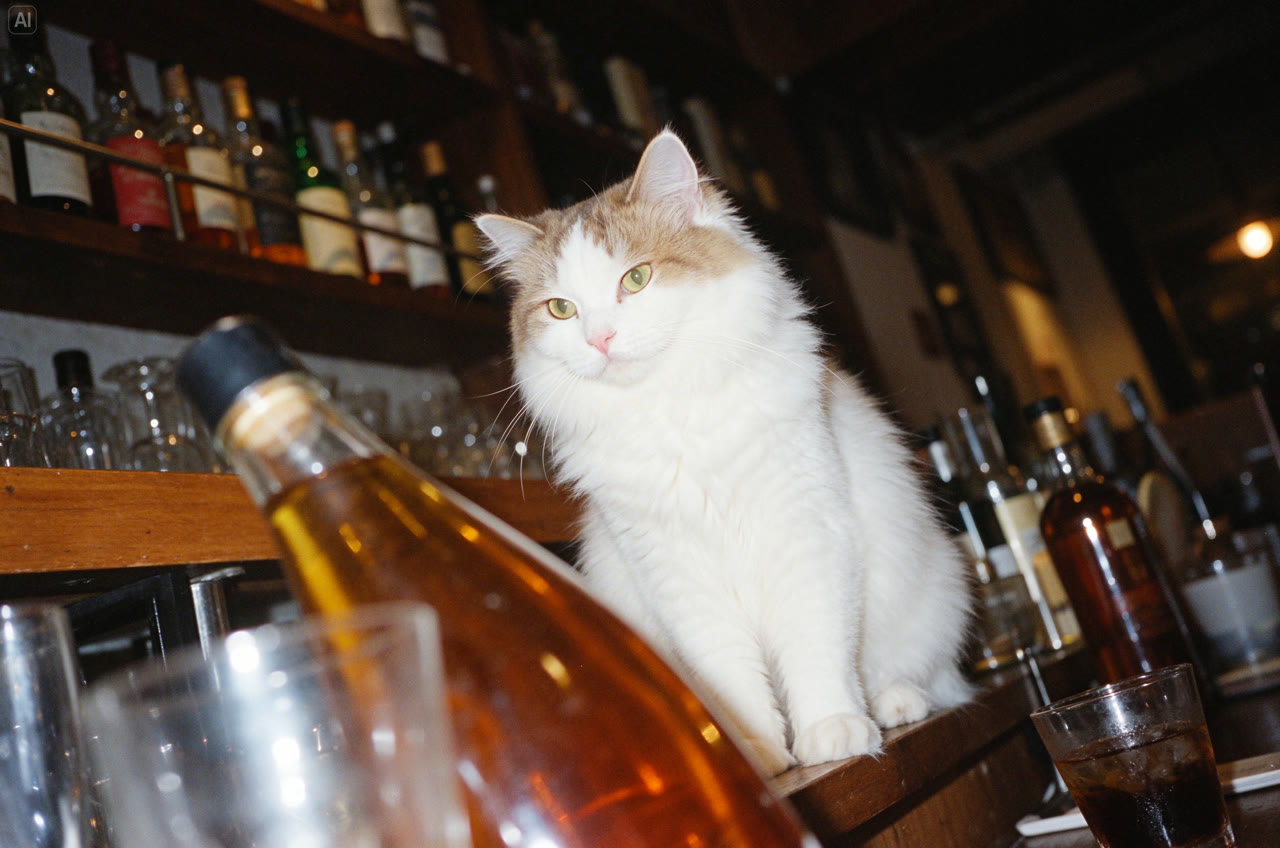 Seedream 5.5
A white cat sits elegantly among bottles and glasses in a bar at night. Use a low camera angle and tilted composition, flash photography, Fujifilm Provia colors and film grain. Dappled light, bright highlights and crisp detail create a vintage photographic mood.
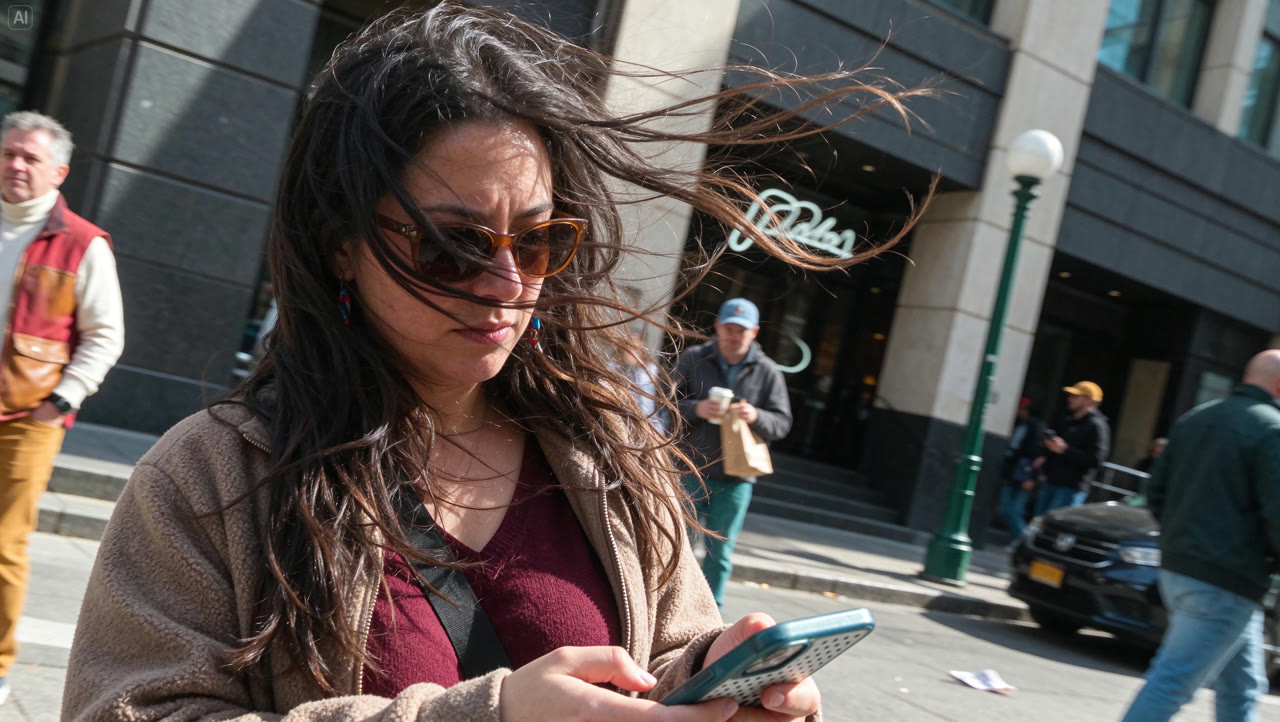 Seedream 5.5
A horizontal city street snapshot of a long-haired woman in a burgundy top and light brown coat looking at her phone. Strong wind blows her hair across her sunglasses and cheeks. Tilt the entire scene about 25 degrees clockwise, keeping the person, buildings, lampposts and pavement in the same perspective. Preserve natural clothing folds and an asymmetrical crop.
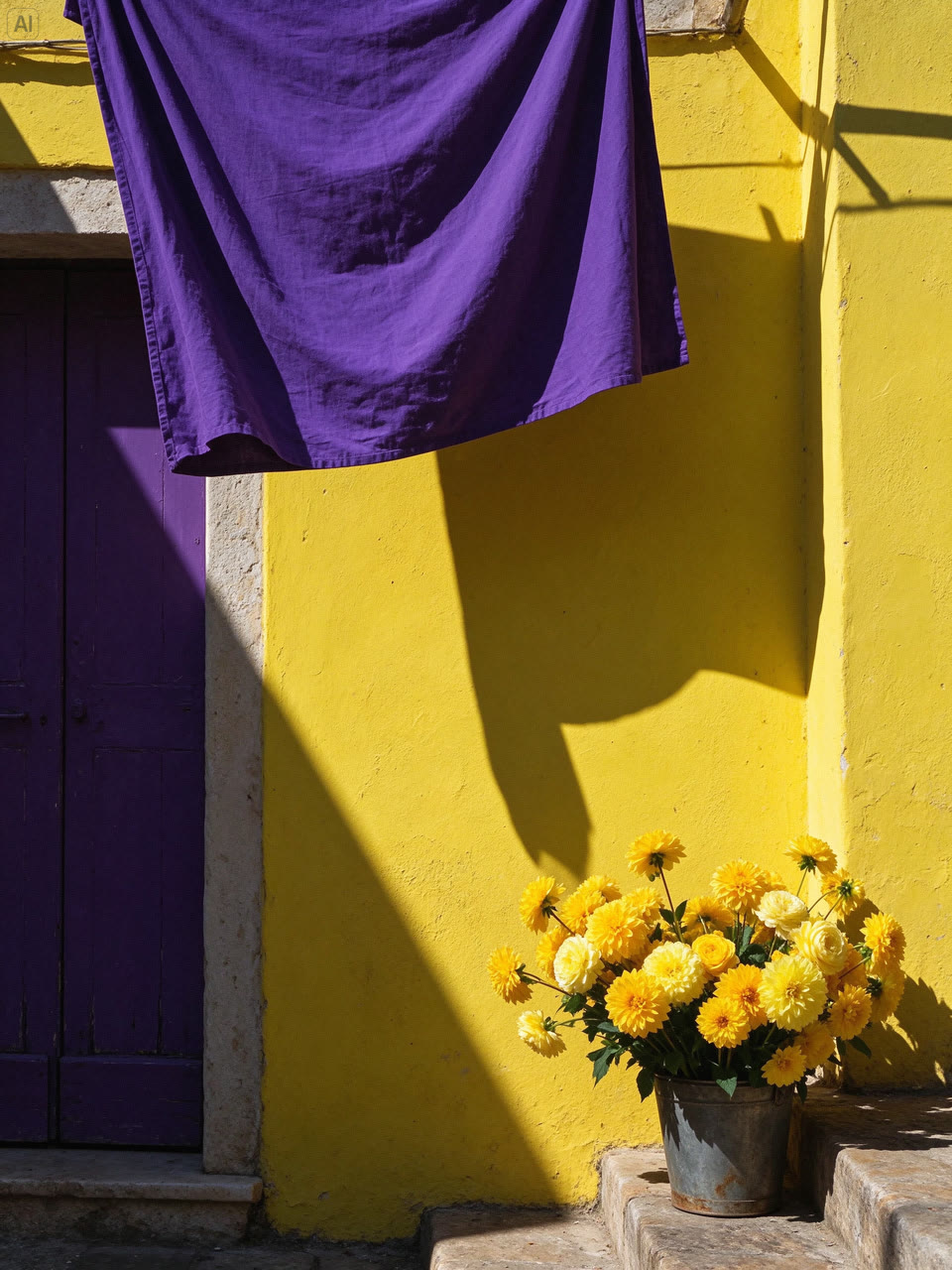 Seedream 5.5
Vertical 3:4 street photography: a lemon-yellow limewashed wall, an old dark-purple wooden door and hanging royal-purple linen form a bold geometric composition. Golden flowers sit in an old metal bucket at the lower right. Strong afternoon sunlight casts sharp shadows, revealing wall grain, fabric folds, rust and layered petals.
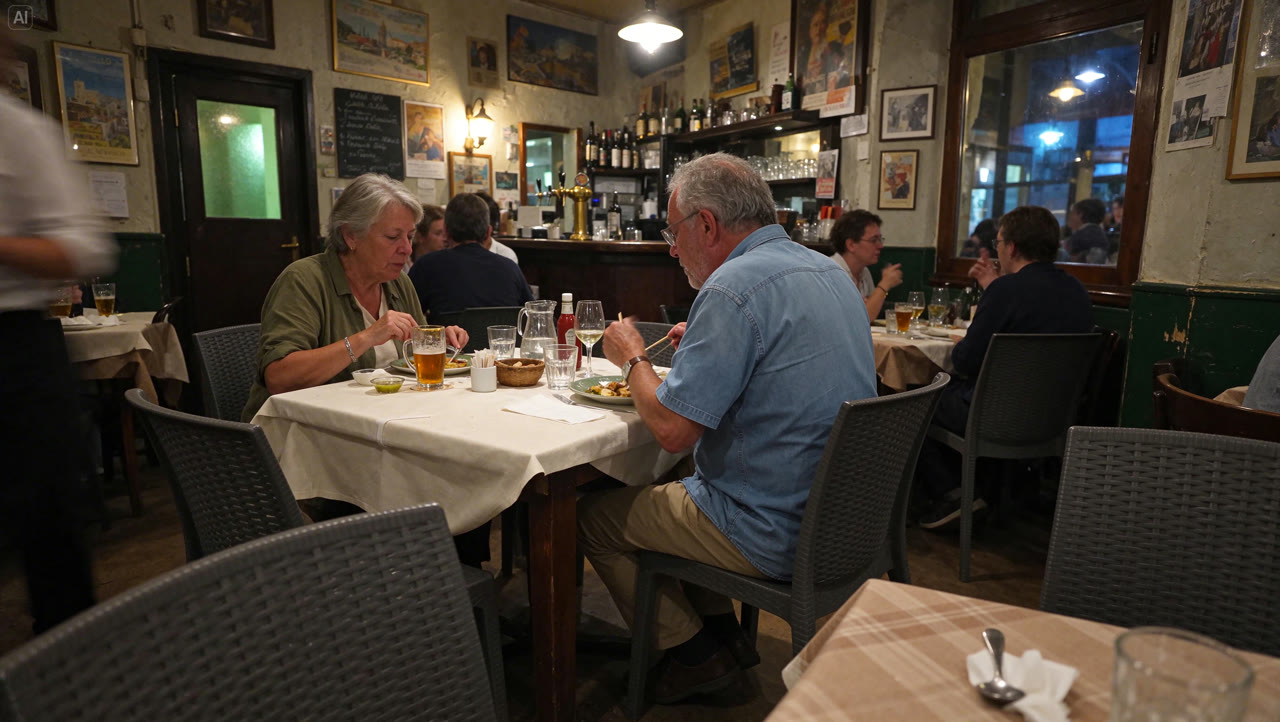 Seedream 5.5
A horizontal documentary snapshot of a European neighborhood bistro on a summer evening. Two older customers eat naturally at a table covered in off-white linen, without looking at the camera. Preserve signs of use on glasses, cutlery and old wooden furniture. Warm pendant lamps mix with cool night light, subtle high-ISO grain and foreground obstructions.
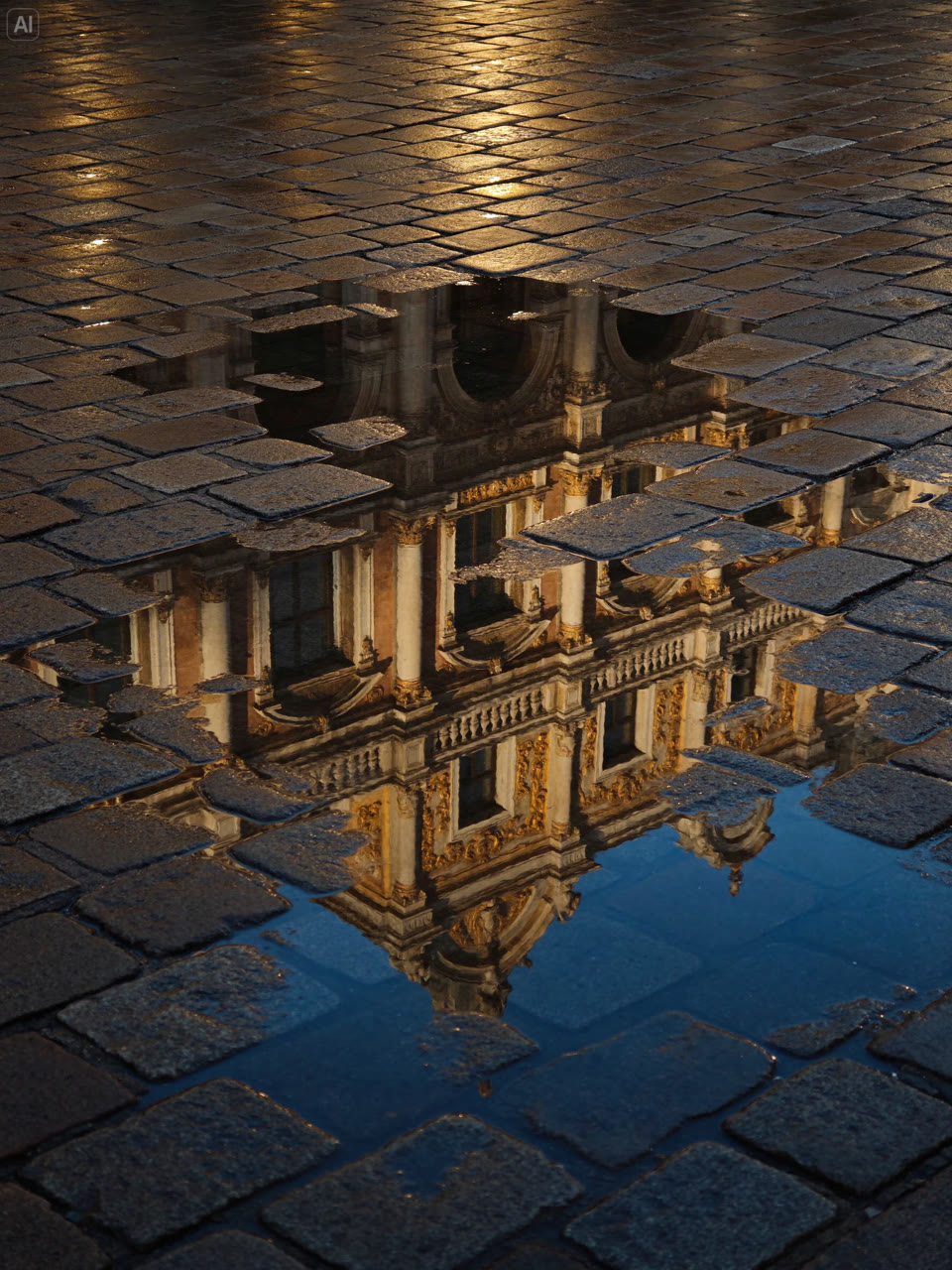 Seedream 5.5
Vertical 3:4 street photography after rain, looking down at wet paving stones and an irregular puddle. Golden architectural carvings, windows and colonnades appear only as reflections, broken by paving, puddle edges and ripples. Mix warm gold light with cool deep-blue reflections. Keep worn surfaces and damp texture; exclude people, vehicles and the full building itself.
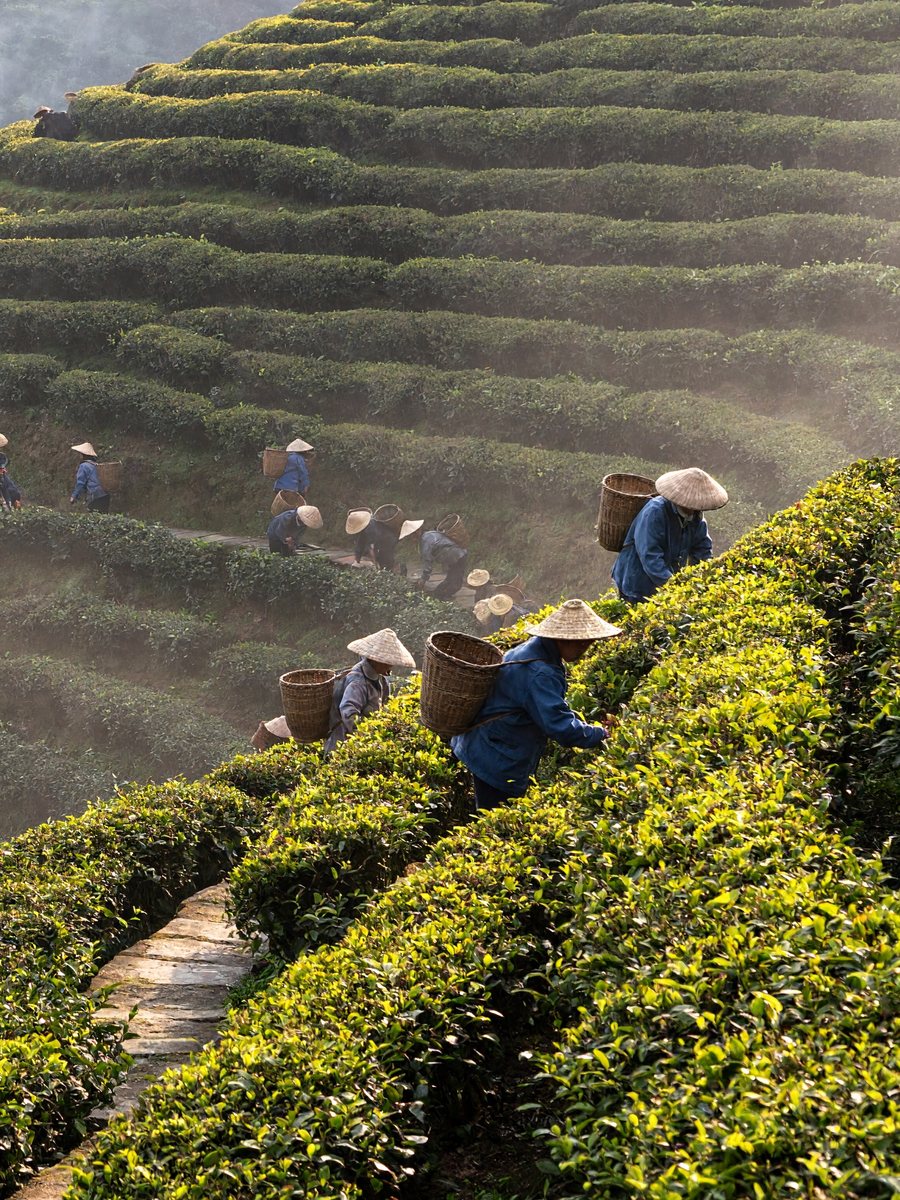 MiniMax H3 Image
Cinematic digital photograph of a steep terraced tea plantation in early morning mist, shot from across the valley with a long lens. Dozens of tea pickers in conical straw hats and faded blue jackets are spread along the curving rows, each one small but distinct, wicker baskets on their backs. A narrow stone path zigzags up between the terraces, a red-roofed drying shed sits at the top left with thin wood smoke rising. Low sun from the right catches dew on the tea bushes. Cool green and warm gold tones, shot on a modern digital cinema camera at low ISO, smooth tonal gradations, slightly uneven light, horizon a touch off level.
 MiniMax H3 Image
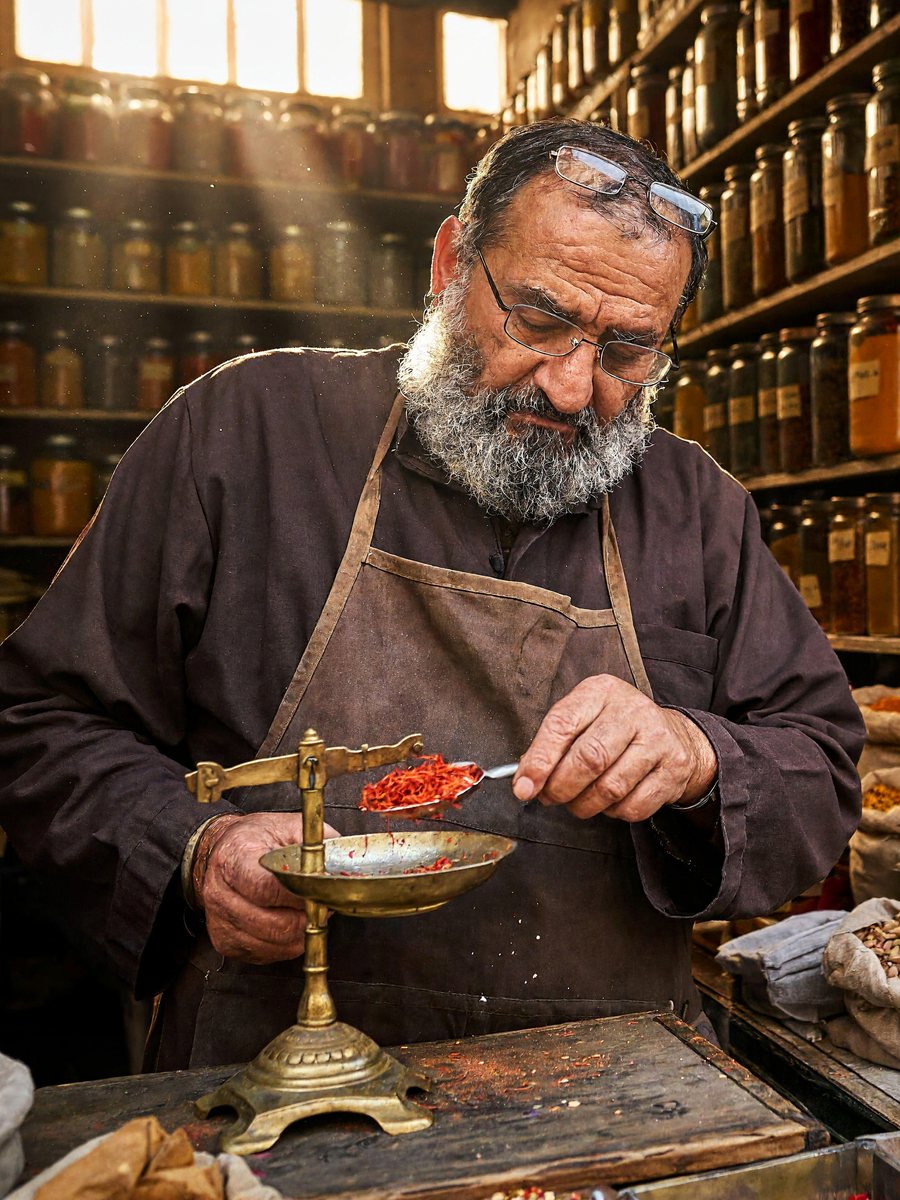
Cinematic digital photograph of a crowded spice stall in a covered market. Floor-to-ceiling wooden shelves hold over a hundred glass jars and open sacks of turmeric, paprika, dried rose petals, cardamom and star anise, each with a small handwritten paper label in black marker. The stall owner, a man in his sixties with a grey beard and reading glasses pushed up on his forehead, weighs saffron on a small brass scale, looking down at it. Shafts of daylight from a high window, dust in the air, warm ochre and red tones, a worn wooden counter, low ISO, smooth tonal gradations, framing slightly off-center.
 MiniMax H3 Image
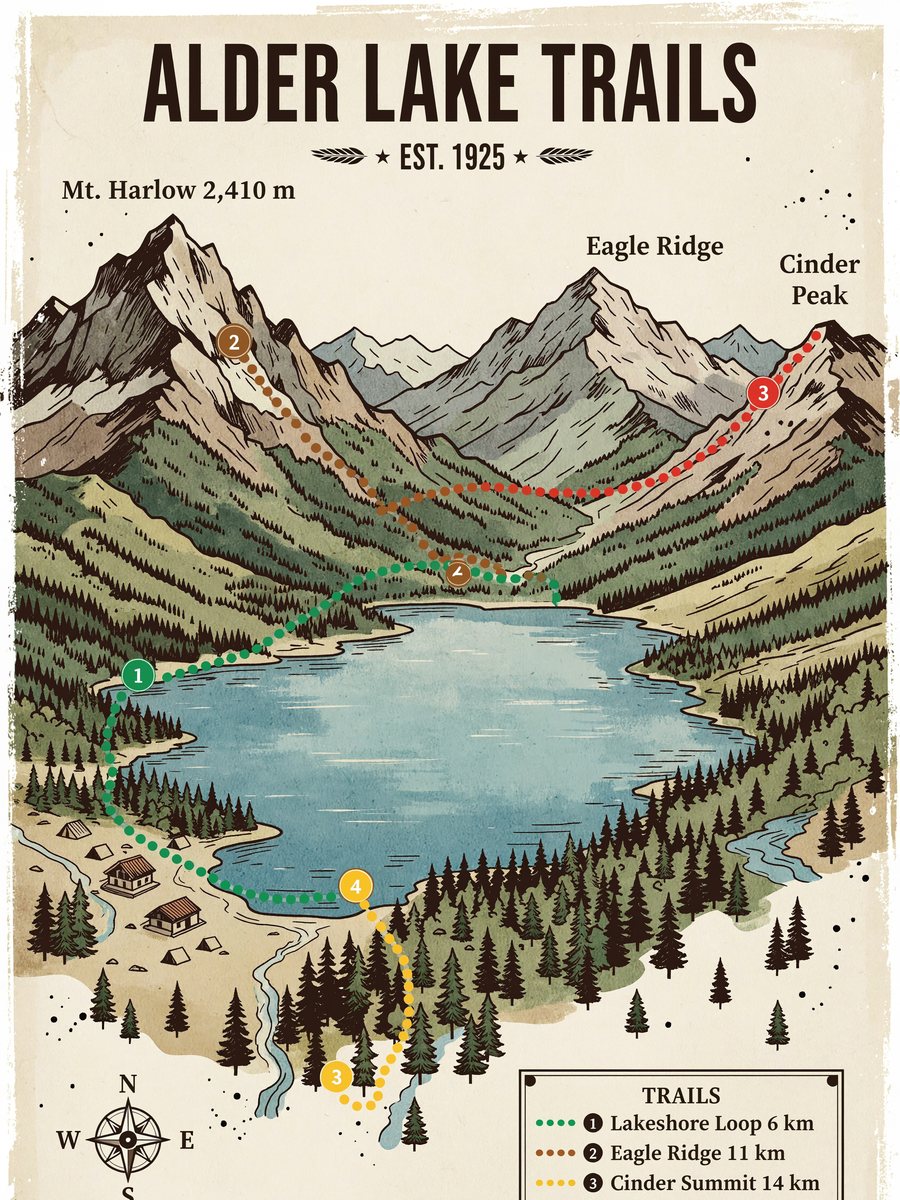
Illustrated hiking trail map poster in a vintage national-park style, flat gouache colors on cream paper with slightly uneven ink edges. Title at the top in bold condensed capitals: "ALDER LAKE TRAILS". A lake in the center surrounded by pine forest and three mountain peaks labeled "Mt. Harlow 2,410 m", "Eagle Ridge" and "Cinder Peak". Four dotted trails in different colors with small numbered markers, a ranger station, campsites shown as tent icons. A legend box in the bottom right lists "1 Lakeshore Loop 6 km", "2 Eagle Ridge 11 km", "3 Cinder Summit 14 km", "4 Falls Spur 3 km". A small compass rose and a scale bar. All text spelled exactly as written.
 MiniMax H3 Image
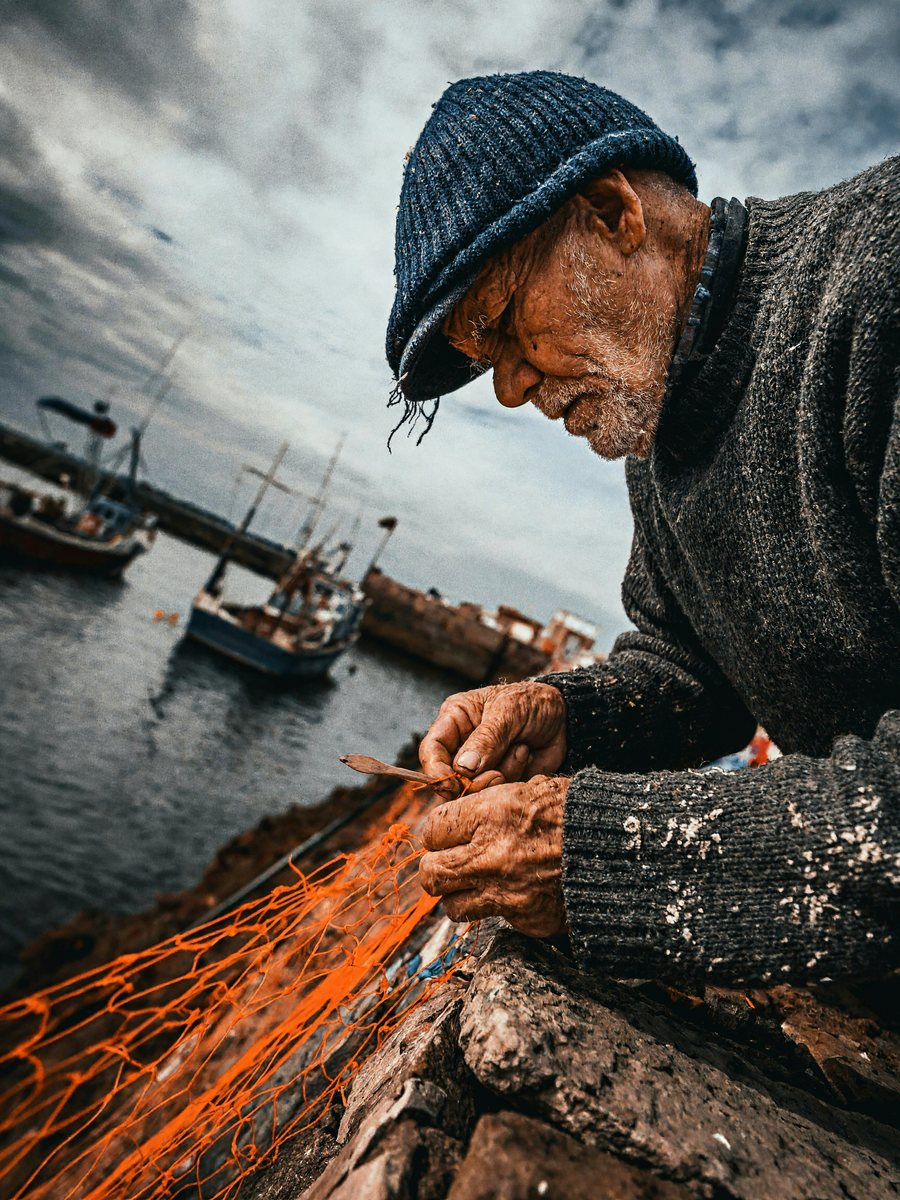
Close portrait, cinematic digital photograph: an old fisherman mending a bright orange net on a harbor wall, deep lines around his eyes, white stubble, a knitted navy cap with loose threads, salt stains on his sleeves, his fingers working a wooden netting needle. He looks down at his hands, not at the camera. Overcast soft light from the sea side, muted blues with the orange net as the only strong color, fishing boats out of focus behind him, low ISO, natural skin texture without retouching, framing slightly tilted.
 MiniMax H3 Image
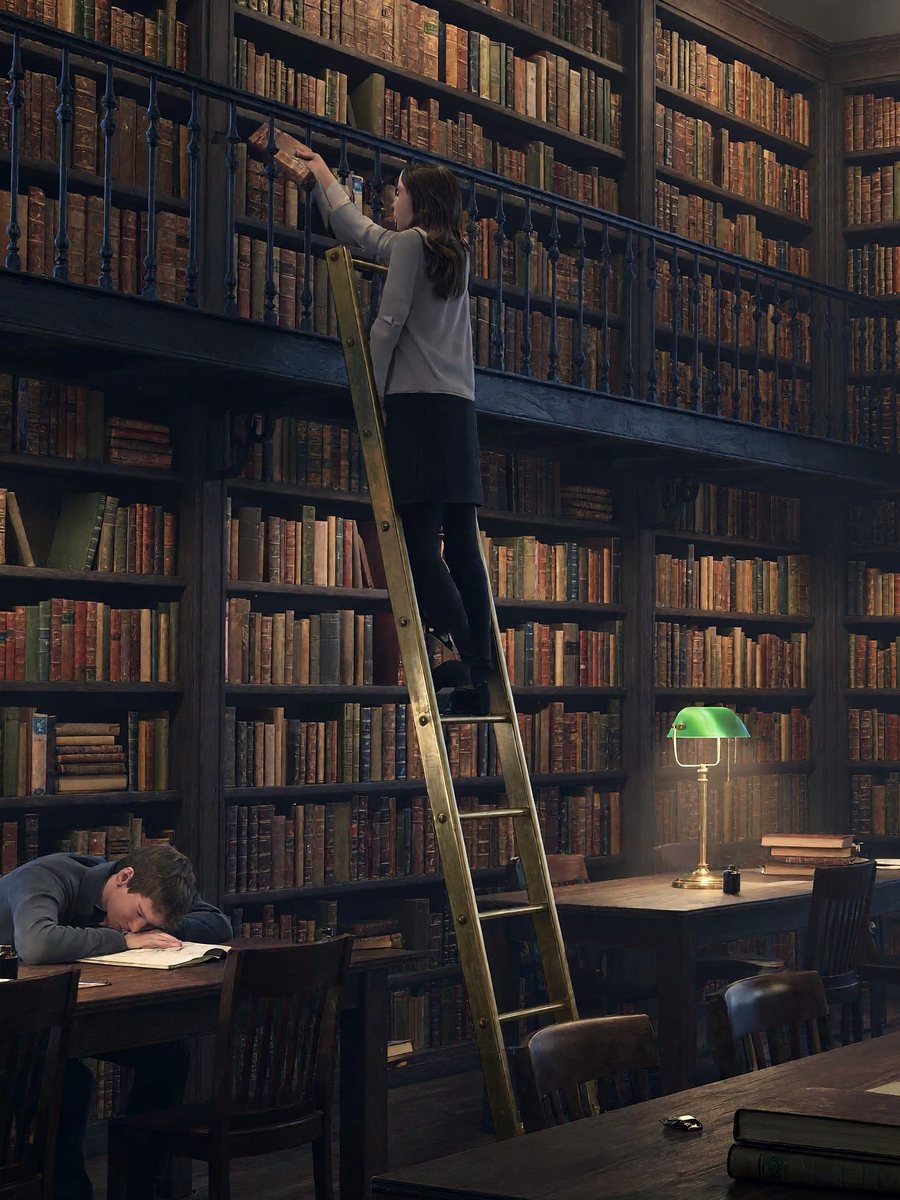
Cinematic digital photograph of an old university reading room at dusk, wide view. Two levels of dark oak bookshelves with a wrought-iron gallery, thousands of cloth and leather book spines, rows of long tables with green-shaded brass lamps switched on. A few students scattered around: one asleep on folded arms, one on a rolling ladder pulling down a book, one reading by the window. Blue evening light through tall arched windows mixes with warm lamp light, slight haze, low ISO, smooth tonal gradations, one lamp dimmer than the rest.
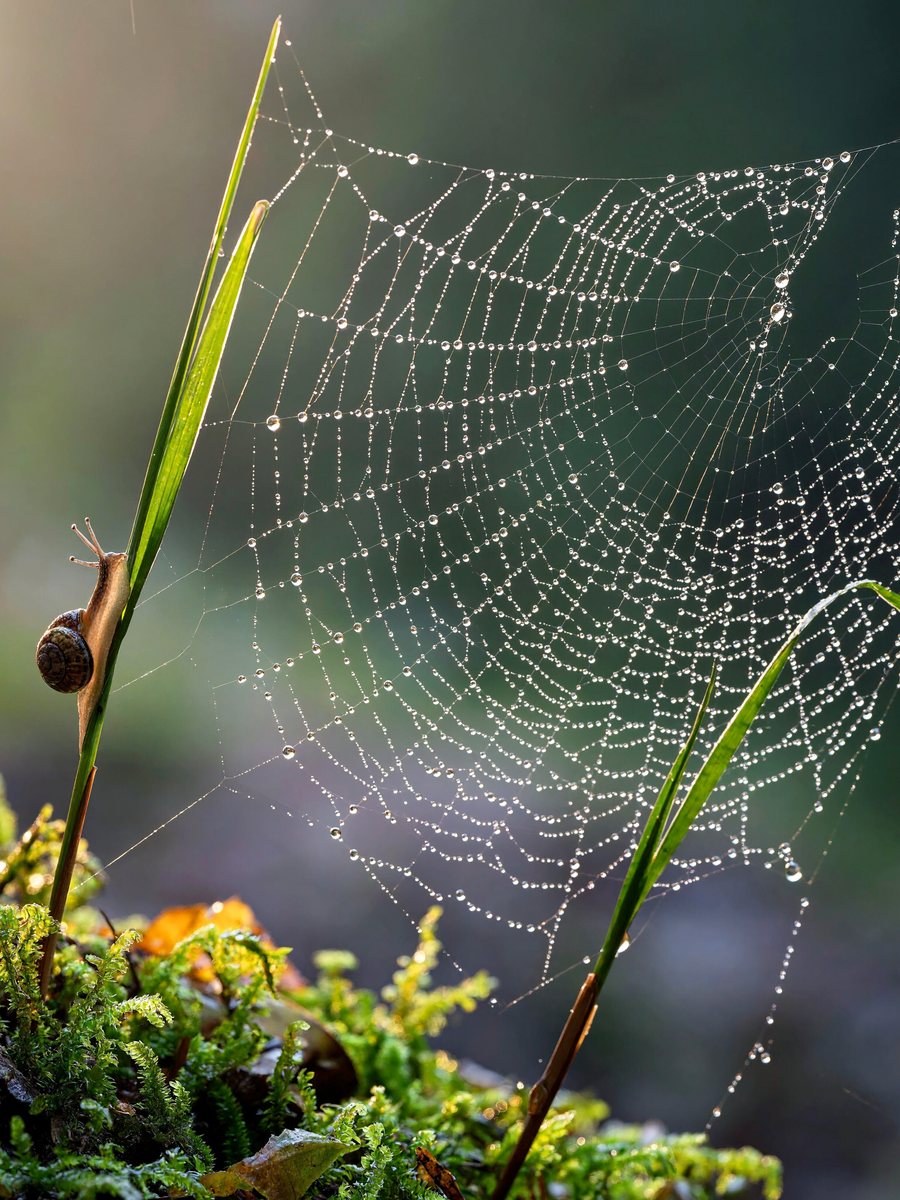 MiniMax H3 Image
Macro photograph of a spider web stretched between two blades of grass above a bed of moss after rain, hundreds of tiny dew drops along the threads, each drop holding a miniature upside-down image of the forest behind. A small snail climbs one of the grass blades. Early morning backlight, soft green and silver tones, shallow depth of field, low ISO, smooth tonal gradations, the web slightly torn on one side.
Start with the image’s job: an editorial illustration, product concept or social graphic. Describe the subject, composition and visual treatment, then choose an output shape that fits where it will appear.
Explain one idea with a clear subject and negative space for a separate headline. Avoid asking one image to communicate every detail of an article.
Describe the material, camera angle and lighting. For an existing product whose shape must remain recognizable, switch to image editing with a reference photo.
Suggested briefs to adapt to your project. These are starting points, not promises of a specific result. Using a prompt fills the editor without submitting a generation.
A small ceramic teapot on a pale blue tabletop, morning window light from the left, editorial still life, generous empty space above for a headline, restrained cream and blue palette, no lettering.
The subject, lighting and empty area each have a separate instruction. Add final typography in your design workflow if precise lettering is essential.
An original friendly robot gardener holding a seedling, rounded copper body, simple green apron, full body centered on a plain warm background, flat editorial illustration.
One subject on a plain background makes changes to silhouette or palette easier to compare.
Available controls depend on the selected model. Check the displayed quote after changing settings; a starting price may describe a different configuration.
Replace broad words such as beautiful with a specific material, light direction, palette and camera distance. Change one dimension at a time.
Put required text in quotation marks and keep it short. Inspect every letter; use a separate layout tool when exact typography is required.
Reduce the number of subjects and explicitly describe the empty areas you need.
33 models can run this tool. Switch between them in the generator without leaving the page.
Native 4K images and editing with up to 16 references
Currently unavailable
Faster OpenAI images with cleaner layouts
Currently unavailable
Finest detail and the most consistent edits
Currently unavailable
OpenAI generate and edit, up to 4K
Currently unavailable
Precise edits and detailed visual work
Currently unavailable
Sharp text rendering and precise edits
Currently unavailable
Low cost OpenAI image generation
Currently unavailable
Google image model, edits with 14 references
Currently unavailable
Wide aspect ratios, 14 references, 4K
Currently unavailable
Fast generation and editing up to 4K
Currently unavailable
The lowest cost Google image model
Currently unavailable
The original Nano Banana, light and fast
Currently unavailable
Consistent multi-round edits and photoreal images
Currently unavailable
Flagship Seedream with strong text rendering
Currently unavailable
Photoreal images and multi image edits
Currently unavailable
Classic high resolution images at 2K
Currently unavailable
Second generation Grok image model
Currently unavailable
Images and edits from xAI
Currently unavailable
Maximum fidelity for art and design
Currently unavailable
Professional generation and edits
Currently unavailable
Balanced quality and speed
Currently unavailable
Context aware generation and editing
Currently unavailable
Ultra high resolution up to 4MP
Currently unavailable
Fast professional images
Currently unavailable
Four step images at the lowest price
Currently unavailable
Text to image at 1K and 2K
Currently unavailable
Generation and edits with transparency
Currently unavailable
Flagship Wan images up to 4K
Currently unavailable
Rich stylistic image rendering
Currently unavailable
Ultra fast image generation
Currently unavailable
Text to image from Meta
Currently unavailable
Design focused text to image
Currently unavailable
Text to image and single image edits
Currently unavailable
Subject, setting, lighting and style. Put any text you want rendered in quotes.
Choose aspect ratio and resolution. The price updates as you go.
Most images finish in under a minute.
You pay per result in credits, priced by model and settings. The exact cost shows next to the generate button, and failed jobs are refunded automatically.
See credit packs and plansGPT Image 2.5 and Nano Banana Pro render short headlines and labels most reliably.
Yes, with models that support it, such as Nano Banana Pro and GPT Image 2.6. Pick the resolution in the settings.
The exact credit cost appears next to the generate button and changes with model and resolution.
Yes, you can start for free. New accounts get 100 credits with no card, and you get 10 more each day you sign in while your balance is under 50. Larger jobs use paid credits.
You need a free account to generate, and signing in with Google takes one click. You can browse examples and see the credit price without an account.
Most images finish in under a minute.
You get the credits back. If a job fails, times out or is blocked by moderation, the credits return to your balance automatically.
Yes. Files you generate with purchased credits can be used commercially, within each model provider's terms and our content policy.
Yes. Prompts and results are private to your account. Results are kept for 30 days. On tools that accept uploads, source files are kept for 7 days.
JPG, PNG or WebP images up to 10 MB. Tools that take reference clips or audio also accept MP4 or MOV video up to 50 MB and MP3 or WAV audio up to 20 MB.
Accounts that have purchased credits or a subscription can run up to 4 generations at a time; free-only accounts can run one. Each job shows its own progress, and finished results are saved to My creations.
No. You use every model through FrameMux with one credit balance, with no API key and no separate model subscription.