Product restyling
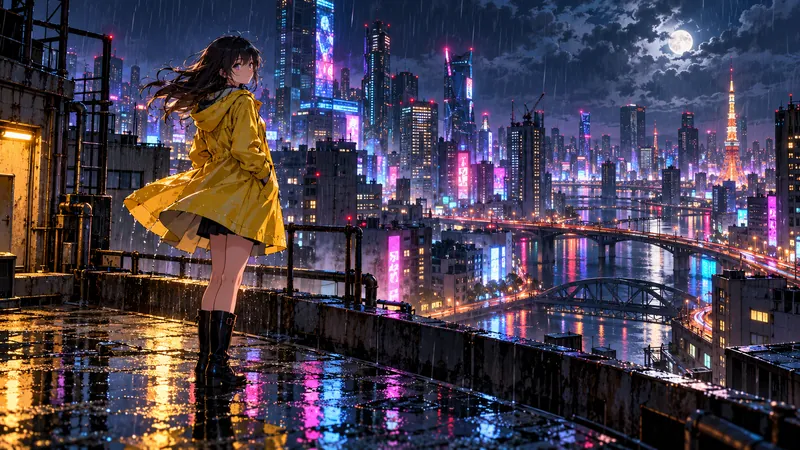
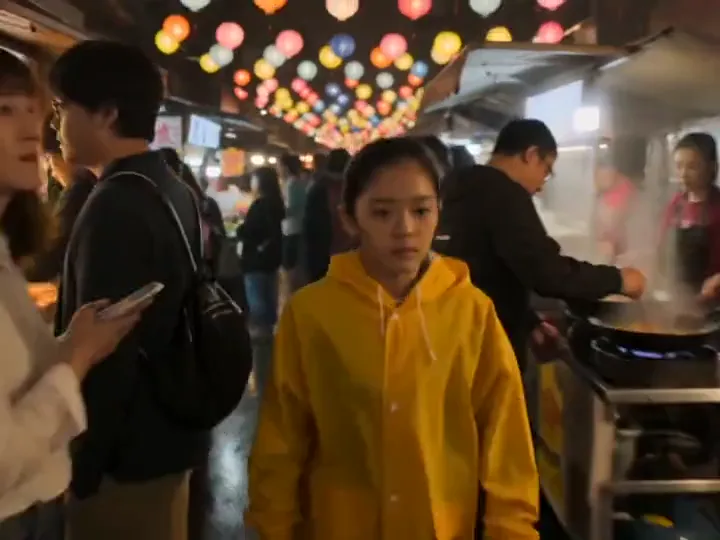
Change the surroundings or lighting of an existing product. Check label text, proportions and distinctive edges before using the result commercially.
Upload a photo and say what to change. The model edits only what you ask and keeps the rest of the image. Free to try: new accounts get 100 credits with no card.
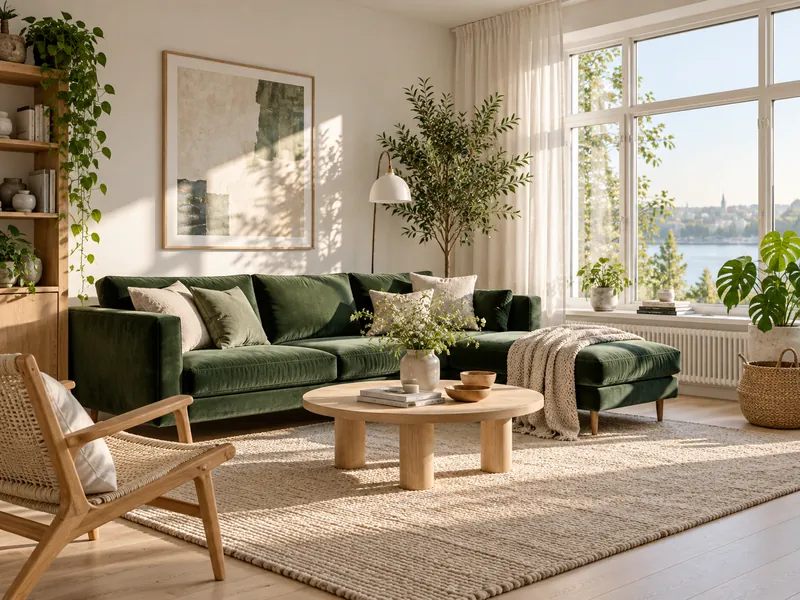
Treat your uploaded image as the starting point. Separate the requested change from the details that should remain, and inspect the output against the original.
Change the surroundings or lighting of an existing product. Check label text, proportions and distinctive edges before using the result commercially.
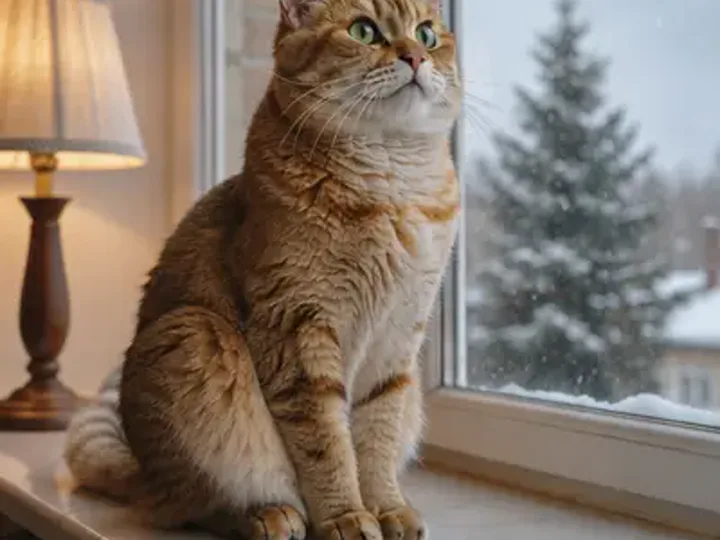
Explore a new palette or rendering style while preserving the pose and composition. Large style changes may alter details that need a second pass.
Suggested briefs to adapt to your project. These are starting points, not promises of a specific result. Using a prompt fills the editor without submitting a generation.
Replace the background with a matte warm-gray studio wall and soft floor shadow. Keep the product shape, camera angle, label and colors unchanged. Do not add objects or text.
Upload the product image first. The prompt defines both the edit and the details to inspect afterward.
Restyle this illustration with a muted blue and terracotta palette. Keep the character pose, facial expression, outlines and composition. Leave the background simple.
A constrained color change is easier to review than changing the pose, style and setting together.
Available controls depend on the selected model. Check the displayed quote after changing settings; a starting price may describe a different configuration.
Reduce the scope of the edit and explicitly name the features to preserve. Regenerate from the original rather than repeatedly editing an already-drifted result.
Compare at full size. Generative editing is not a guarantee of pixel-identical preservation. Use manual retouching where exact identity is essential.
Remove unrelated directions and specify the region or object in ordinary visual terms.
JPG, PNG or WebP up to 10 MB. Add more images to combine them.
Name the part to edit and what it should become.
Compare the result with the original and run another edit if needed.
You pay per result in credits, priced by model and settings. The exact cost shows next to the generate button, and failed jobs are refunded automatically.
See credit packs and plansNano Banana Pro and GPT Image 2.5 keep untouched areas closely. Say clearly what must not change.
Yes. Upload more than one image and describe how to combine them, for example a product into a scene.
Only with their consent, and never to create misleading or sexual content.
Yes, you can start for free. New accounts get 100 credits with no card, and you get 10 more each day you sign in while your balance is under 50. Larger jobs use paid credits.
You need a free account to generate, and signing in with Google takes one click. You can browse examples and see the credit price without an account.
Each generation shows its credit price before you start. One credit is about $0.01, and packs start at $9.90 for 990 credits.
Most images finish in under a minute.
You get the credits back. If a job fails, times out or is blocked by moderation, the credits return to your balance automatically.
Yes. Files you generate with purchased credits can be used commercially, within each model provider's terms and our content policy.
Yes. Prompts and results are private to your account. Results are kept for 30 days. On tools that accept uploads, source files are kept for 7 days.
JPG, PNG or WebP images up to 10 MB. Tools that take reference clips or audio also accept MP4 or MOV video up to 50 MB and MP3 or WAV audio up to 20 MB.
Accounts that have purchased credits or a subscription can run up to 4 generations at a time; free-only accounts can run one. Each job shows its own progress, and finished results are saved to My creations.
No. You use every model through FrameMux with one credit balance, with no API key and no separate model subscription.