AI photo editor and image to image
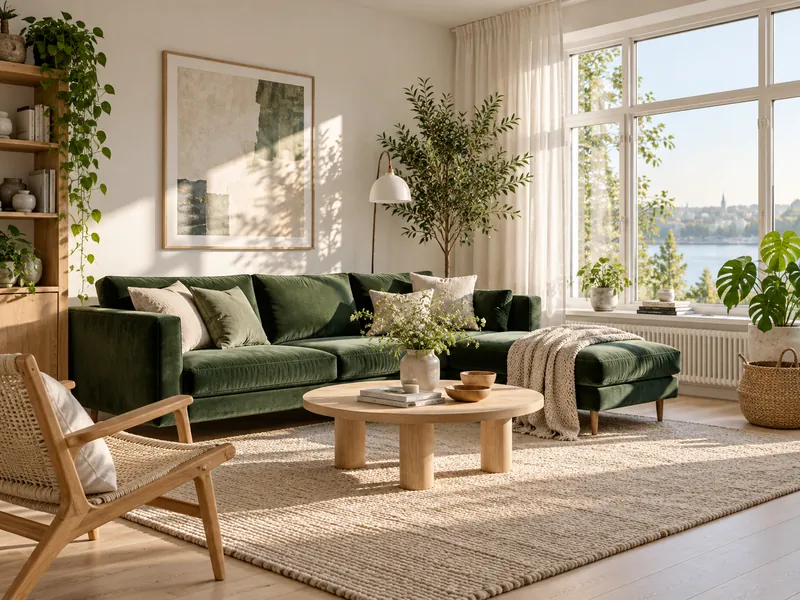
Upload a photo and say what to change. The model edits only what you ask and keeps the rest of the image.
Example
Models for image to image
18 models can run this tool. Switch between them in the generator without leaving the page.
GPT Image 2.5
newOpenAI generate and edit, up to 4K
up to 4K
From 3 credits
GPT Image 2.5 Sunburst
Precise edits and detailed visual work
up to 4K
From 3 credits
GPT Image 2
Sharp text rendering and precise edits
up to 4K
From 3 credits
Nano Banana Pro
hotGoogle image model, edits with 14 references
up to 4K
From 6 credits
Nano Banana 2.1
newWide aspect ratios, 14 references, 4K
up to 4K
From 4 credits
Nano Banana 2
Fast generation and editing up to 4K
up to 4K
From 4 credits
Nano Banana 2 Lite
The lowest cost Google image model
up to 1K
From 3 credits
Nano Banana
The original Nano Banana, light and fast
up to 1K
From 3 credits
Seedream 5.0 Pro
Flagship Seedream with strong text rendering
up to 2K
From 9 credits
Seedream 5.0 Lite
Photoreal images and multi image edits
up to 4K
From 9 credits
Seedream 4.5
Classic high resolution images at 2K
up to 4K
From 8 credits
Grok Imagine Image 2.0
Second generation Grok image model
up to 2K
From 5 credits
Grok Imagine Image
Images and edits from xAI
up to 1K
From 5 credits
FLUX.2 Pro
Professional generation and edits
up to 1MP
From 8 credits
FLUX Kontext Pro
Context aware generation and editing
up to 1MP
From 10 credits
Qwen Image 2.1
Generation and edits with transparency
up to 2K
From 6 credits
GPT Image 1.5
Low cost OpenAI image generation
up to 1K
Currently unavailable
Reve 2.1
Text to image and single image edits
up to native
Currently unavailable
How it works
- 01
Upload a photo
JPG, PNG or WebP up to 10 MB. Add more images to combine them.
- 02
Say what to change
Name the part to edit and what it should become.
- 03
Generate and download
Compare the result with the original and run another edit if needed.
Image to image pricing
You pay per result in credits, priced by model and settings. The exact cost shows next to the generate button, and failed jobs are refunded automatically.
See credit packs and plans- Cheapest model
- 3 credits
- Free on sign up
- 48 credits
More AI tools
Image to image questions
Will the rest of the image stay the same?
Nano Banana Pro and GPT Image 2.5 keep untouched areas closely. Say clearly what must not change.
Can I combine several images?
Yes. Upload more than one image and describe how to combine them, for example a product into a scene.
Can I edit photos of real people?
Only with their consent, and never to create misleading or sexual content.