First and last frame to video
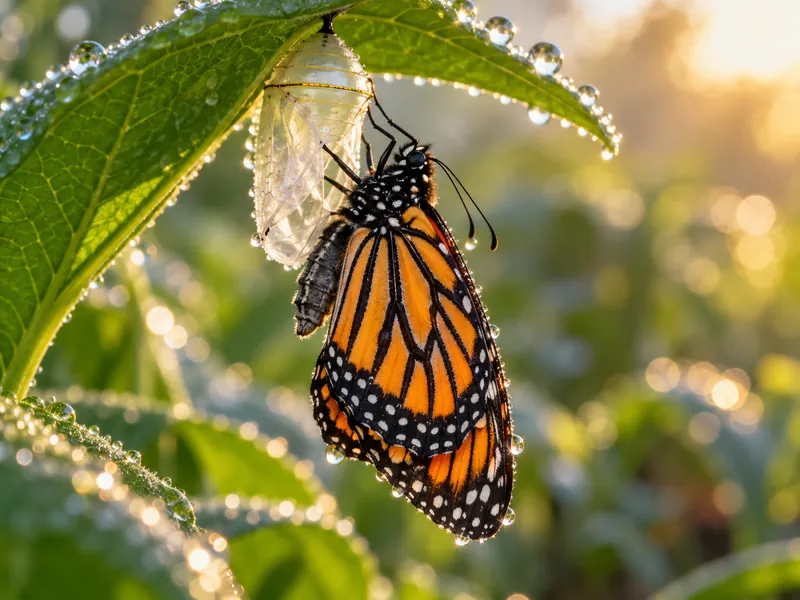
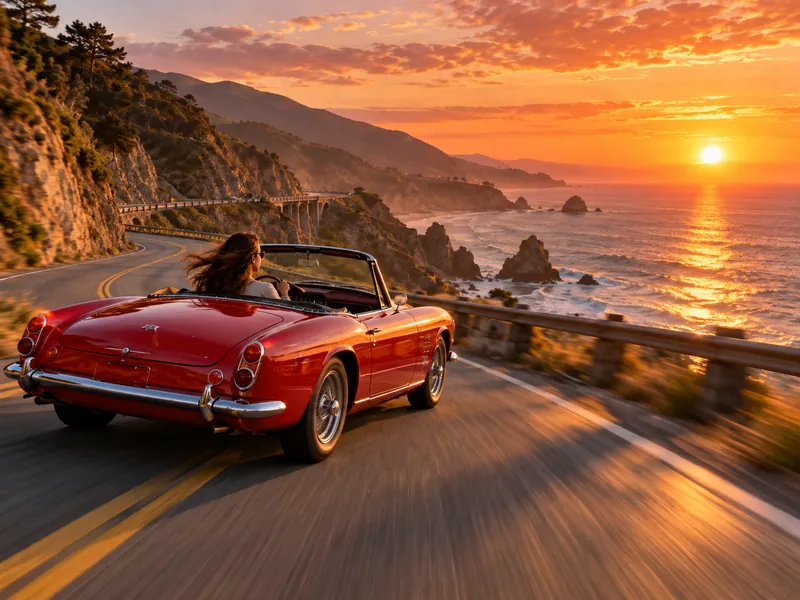
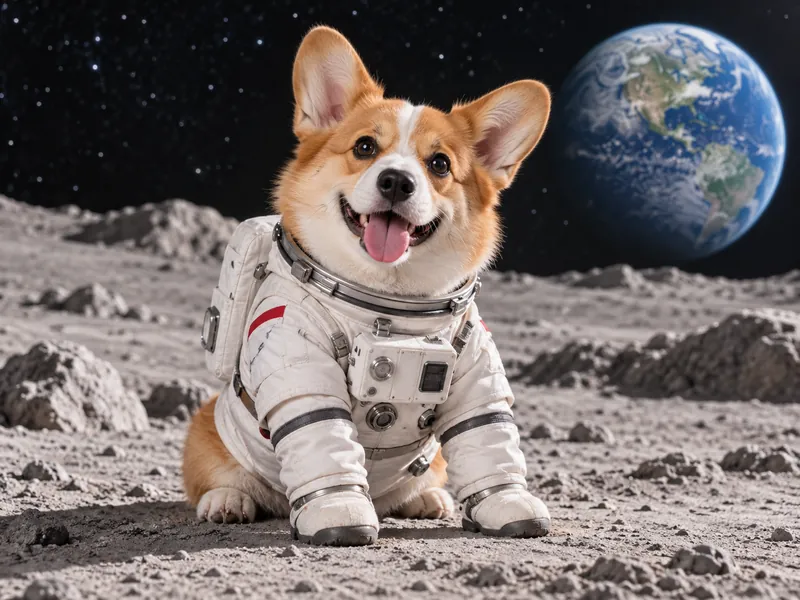
Set where the shot starts and where it ends. The model fills the motion in between, so transitions land exactly where you planned.
Example
Models for frames to video
17 models can run this tool. Switch between them in the generator without leaving the page.
Kling 4.0
newUp to 30s with keyframes and native audio
3 to 30s · up to 1080p · native audio
From 194 credits
Kling 3.0
Up to 4K with optional native audio
3 to 30s · up to 4K · native audio
From 101 credits
Seedance 2.5
hotMulti shot scenes with native audio
4 to 30s · up to 1080p · native audio
From 116 credits
Seedance 2.0
Text, image and up to 15 references
4 to 15s · up to 4K · native audio
From 80 credits
Seedance 2.0 Fast
Seedance 2.0 with faster turnaround
4 to 15s · up to 720p · native audio
From 60 credits
Seedance 2.0 Mini
Lightweight model for quick previews
4 to 15s · up to 720p · native audio
From 28 credits
Seedance 1.5 Pro
Fast clips from text or a photo
4 to 12s · up to 1080p · native audio
From 25 credits
Veo 3.1
Google video with dialogue and sound
4 to 8s · up to 4K · native audio
From 192 credits
Veo 3.1 Fast
Veo quality at lower cost and latency
4 to 8s · up to 4K · native audio
From 42 credits
Gemini Omni 1.1 Flash
Gemini video with native audio
4 to 10s · up to 4K
From 75 credits
MiniMax H3
hotUp to 2K with sound, 4 to 15 seconds
4 to 15s · up to 2K · native audio
From 28 credits
MiniMax H3 Max
The highest quality MiniMax video
5 to 15s · up to 768P · native audio
From 57 credits
Wan 3.0
newText, image and reference to video
2 to 30s · up to 1080p · native audio
From 50 credits
Wan 3.0 Prime
Faster Wan 3.0 with the same inputs
2 to 30s · up to 1080p · native audio
From 102 credits
Wan 2.7
Text, image and reference to video
2 to 15s · up to 1080p · native audio
From 100 credits
Grok Imagine Video 1.5
new1080p with lip synced audio
1 to 15s · up to 1080p · native audio
From 29 credits
FLUX 3 Max
Fast FLUX video with native audio
5 to 20s · up to 1080p · native audio
From 64 credits
How it works
- 01
Upload two frames
The start frame and the end frame should share the same aspect ratio.
- 02
Describe the move
Explain how the scene gets from one frame to the other.
- 03
Generate and download
Check the credits, generate, then download the MP4.
Frames to video pricing
You pay per result in credits, priced by model and settings. The exact cost shows next to the generate button, and failed jobs are refunded automatically.
See credit packs and plans- Cheapest model
- 25 credits
- Free on sign up
- 48 credits
More AI tools


Frames to video questions
Which models support first and last frame?
The model list in the panel only shows models that accept both frames, such as Kling 4.0.
Do both frames need the same size?
They should share an aspect ratio. Mismatched frames get cropped and the transition looks less smooth.
How long can the transition be?
Usually 5 to 10 seconds, depending on the model. The duration options follow the selected model.